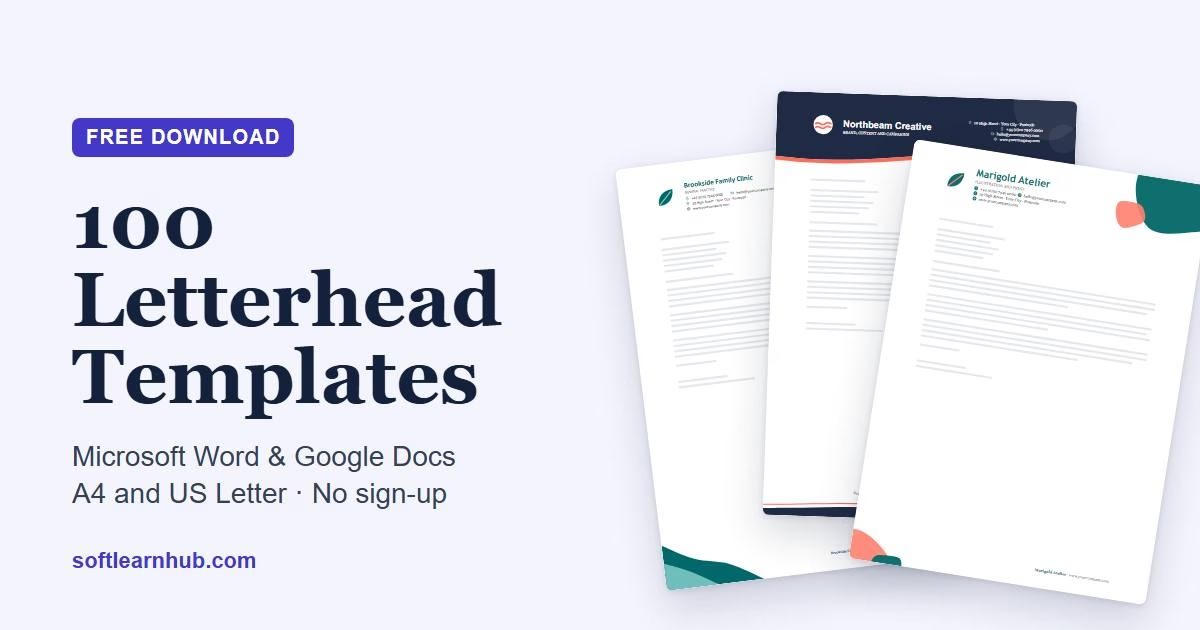
Most free letterhead templates come with a catch. You get two free designs and the rest are paid, or the file only works in one app, or the download sits behind an email form. These 100 free letterhead templates skip all of that. Every one is a normal Word file (.docx) in both A4 and US Letter, it opens properly in Microsoft Word and Google Docs, and you can download it without signing up.
No two share a layout. Each one is built around a single idea, such as a wave, a shard, a ribbon, a seal or a stack of capsules, and leaves plenty of white space for the letter itself. Pick a style below, swap in your logo and details, and you have a professional letterhead template you can reuse for every letter. If you would rather design your own from scratch and export a PDF or PNG as well, the free letterhead maker does that in your browser.
In this guide
Free letterhead templates at a glance
Quick summary: Soft Learn Hub offers 100 free letterhead templates for Microsoft Word and Google Docs, each in A4 and US Letter (200 editable .docx files). They cover 10 styles, from law firms to tech startups, across 20 design families, and use fonts both apps share, such as Arial, Georgia and Calibri. No sign-up is needed, the header and footer repeat on every page, and every template is free for commercial use.
| What you get | Details |
|---|---|
| Templates | 100 unique designs (10 styles × 10), each with its own artwork, layout and colour palette |
| Files | 200 editable .docx files: one A4 and one US Letter version of every design |
| Opens in | Microsoft Word 2010 or later, Google Docs, Word for the web, LibreOffice Writer and Apple Pages |
| Margins | 1 inch (2.54 cm) at the sides for the letter text; the artwork runs to the page edge |
| Fonts | Arial, Georgia, Times New Roman, Trebuchet MS, Verdana, Calibri and Cambria, all available in Word and Google Docs |
| Price and licence | Free for personal and commercial use, no attribution needed. Please don’t resell or re-upload the template files themselves. |
| Sign-up | None. Click a link and the file downloads. |
Browse all 100 letterhead templates
The templates are grouped by the kind of business they suit, but nothing stops a dentist using a design from the agency set. Each card shows the design family, the font pairing and two downloads. Grab the A4 file if you print on A4 paper (most of the world) and the US Letter file if you’re in the US or Canada.
Jump to a style: The Modern Agency · The Classic Law Firm · The Creative Studio · Corporate & Finance · Healthcare & Wellness · Tech & Startups · Real Estate & Construction · Education & Nonprofit · Freelancers & Consultants · Hospitality & Retail
Download all 100 (A4, .zip) Download all 100 (US Letter, .zip)
The Modern Agency letterhead templates
Confident colour blocks and clean sans-serif type for agencies, studios and marketing teams.
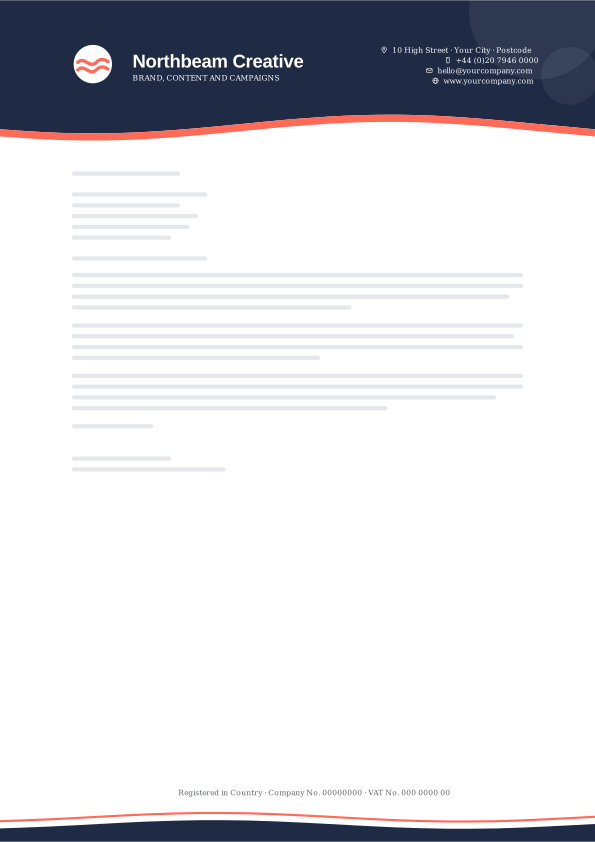
1. Midnight Coral Wave Crest
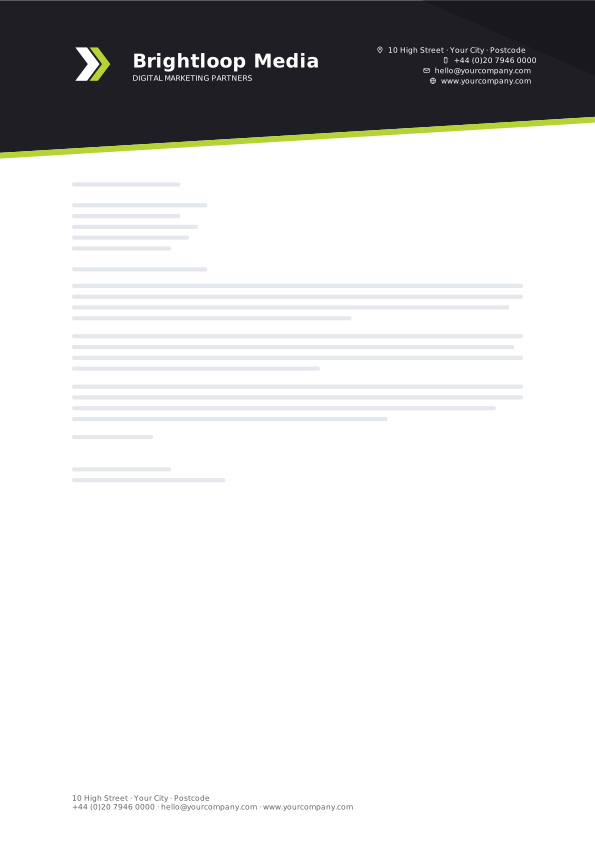
2. Ink Lime Diagonal Slice
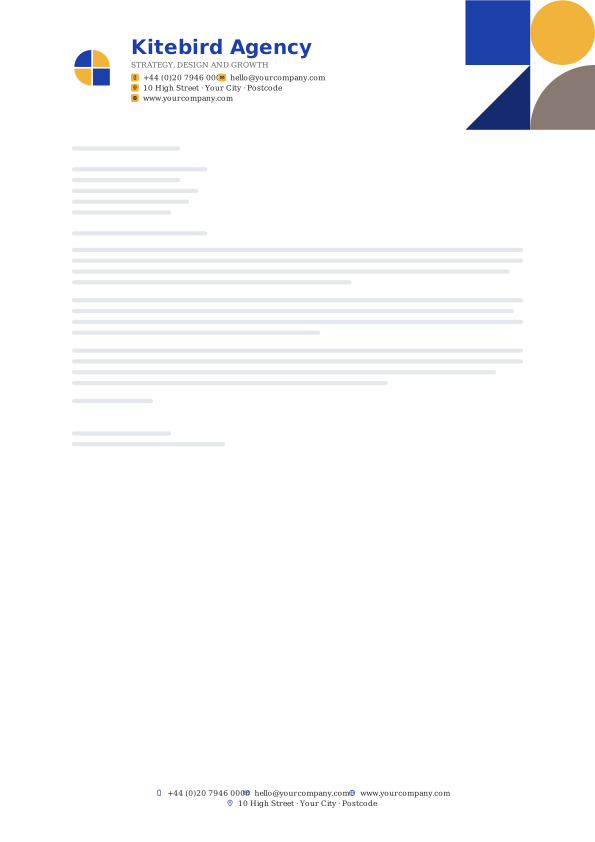
3. Cobalt Sun Bauhaus
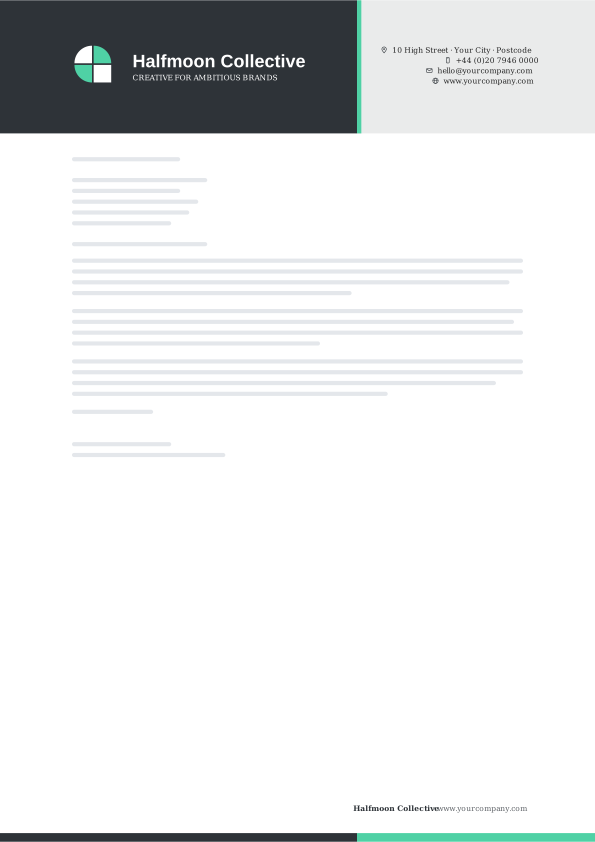
4. Graphite Mint Split Tone
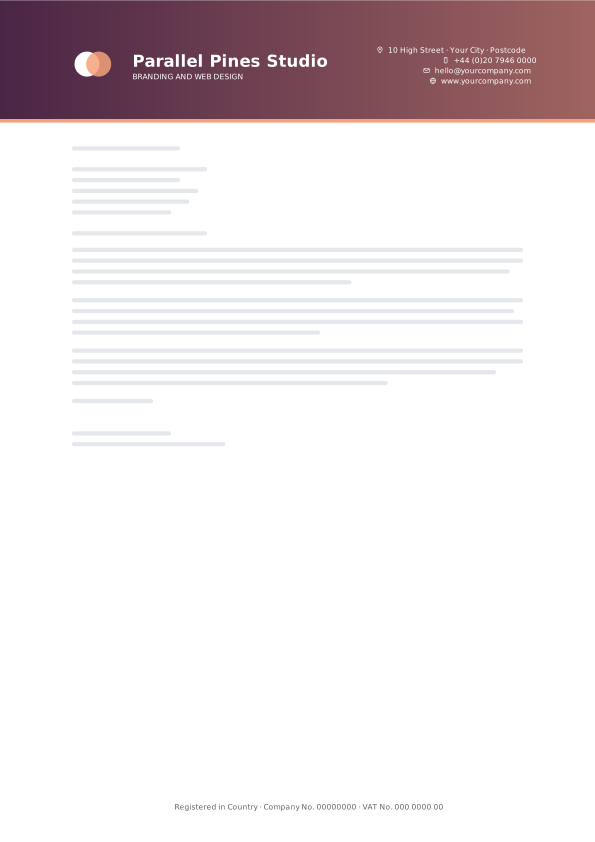
5. Plum Peach Gradient Band
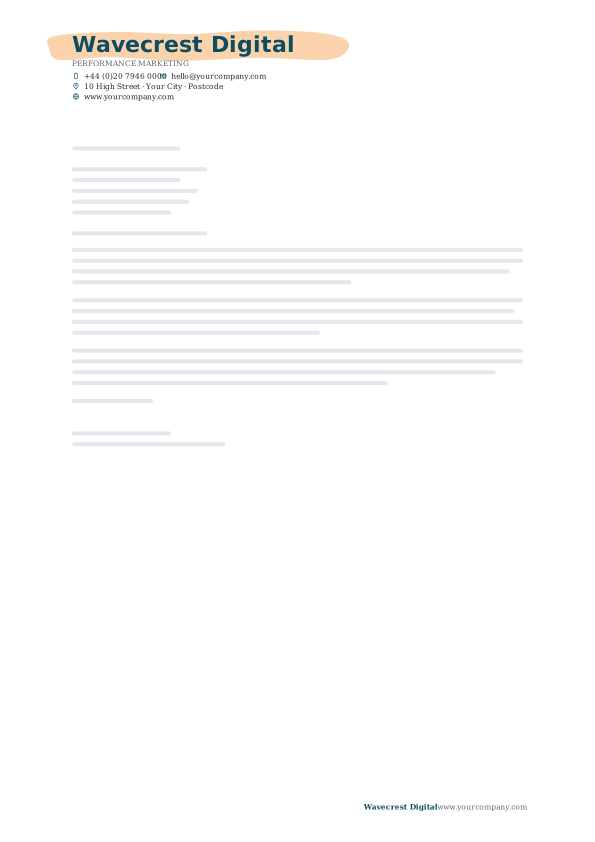
6. Ocean Tangerine Brush Stroke
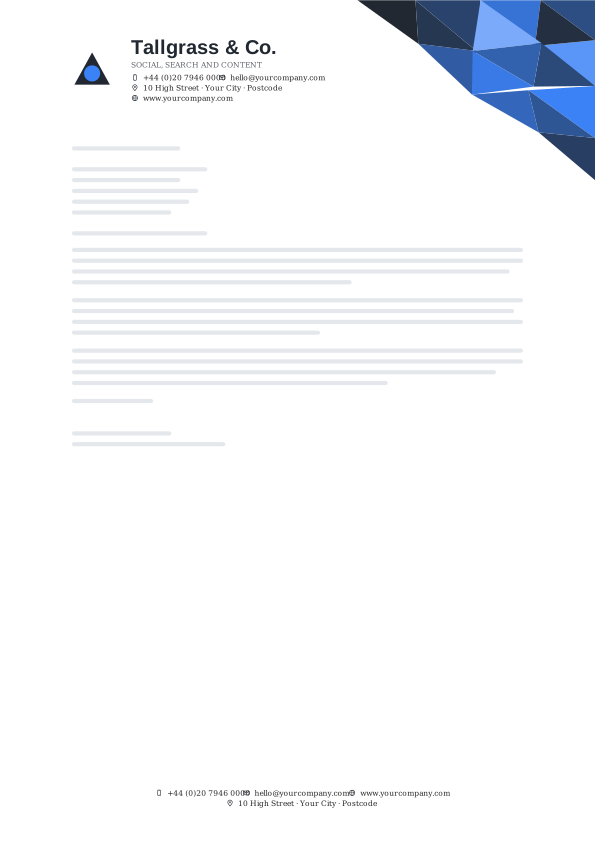
7. Charcoal Electric Low Poly
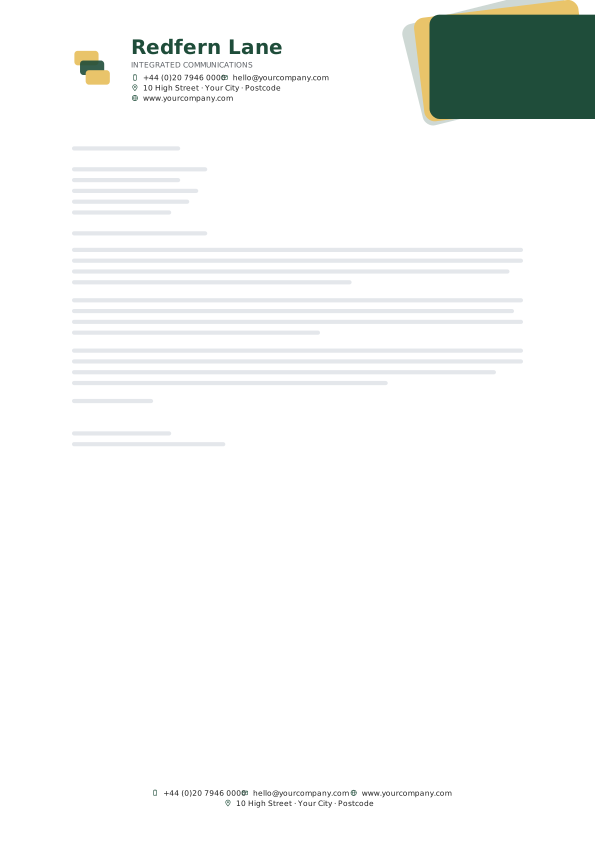
8. Forest Lemon Stacked Cards
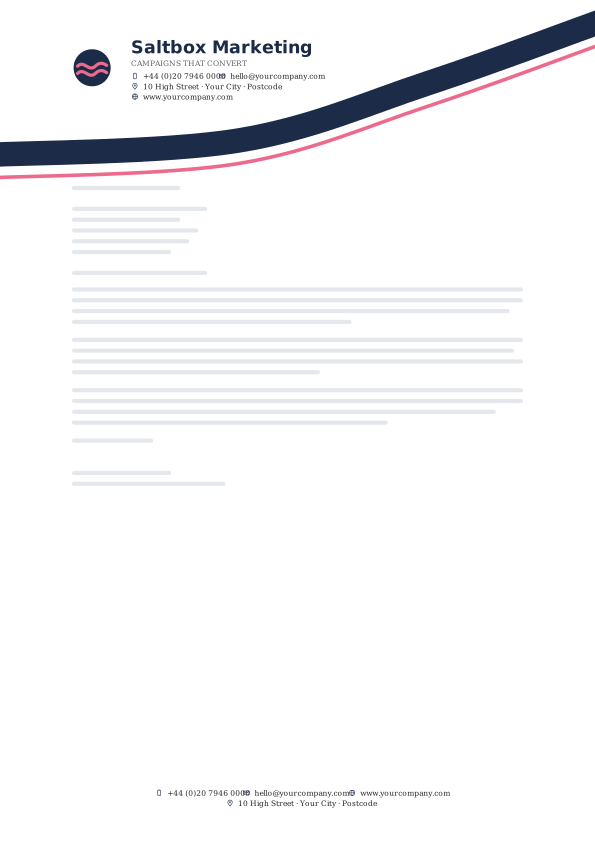
9. Navy Pink Swoop
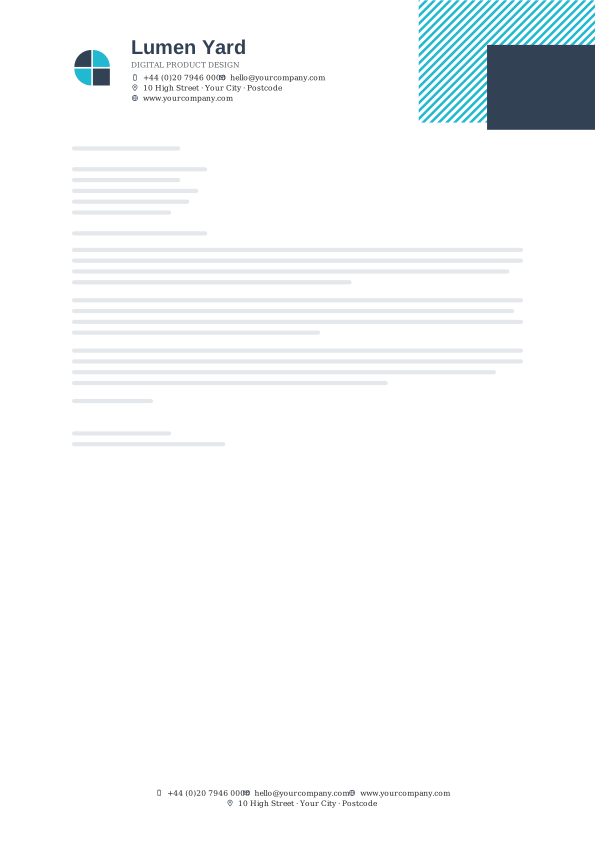
10. Slate Aqua Diagonal Hatch
The Classic Law Firm letterhead templates
Serif typography, quiet rules and deep navy, burgundy or green for legal, advisory and professional practices.
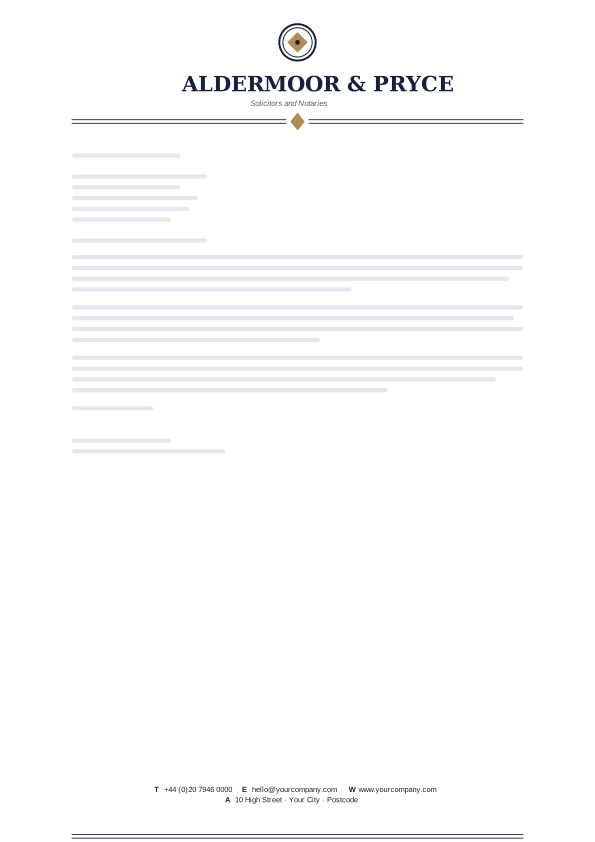
11. Oxford Navy Crest Rule
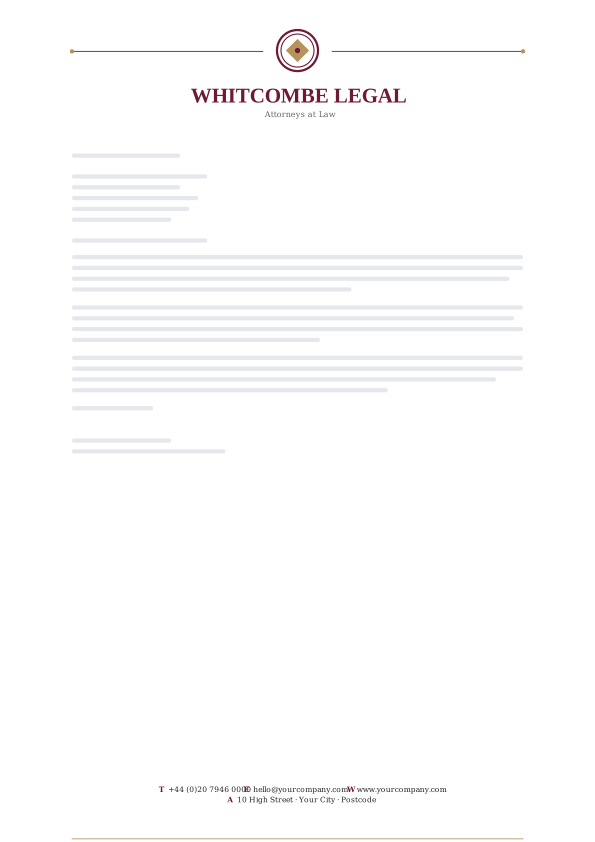
12. Burgundy Brass Seal

13. Chancery Green Ornament Rule
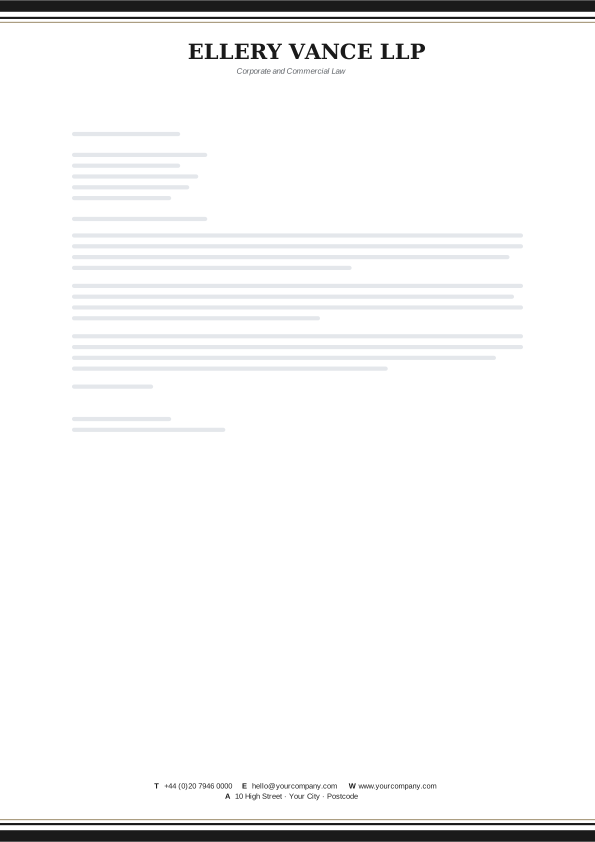
14. Barrister Black Cornice
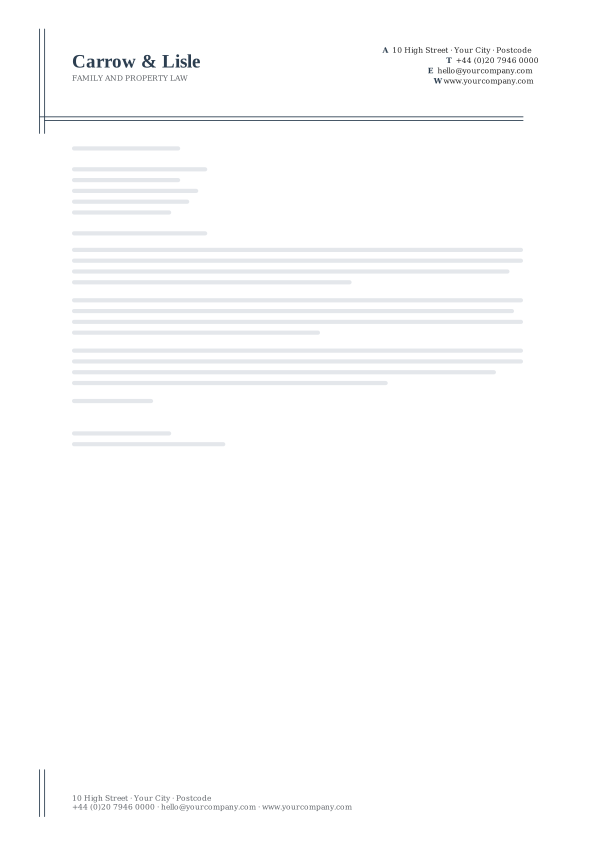
15. Royal Slate Ledger

16. Mahogany Corner Brackets
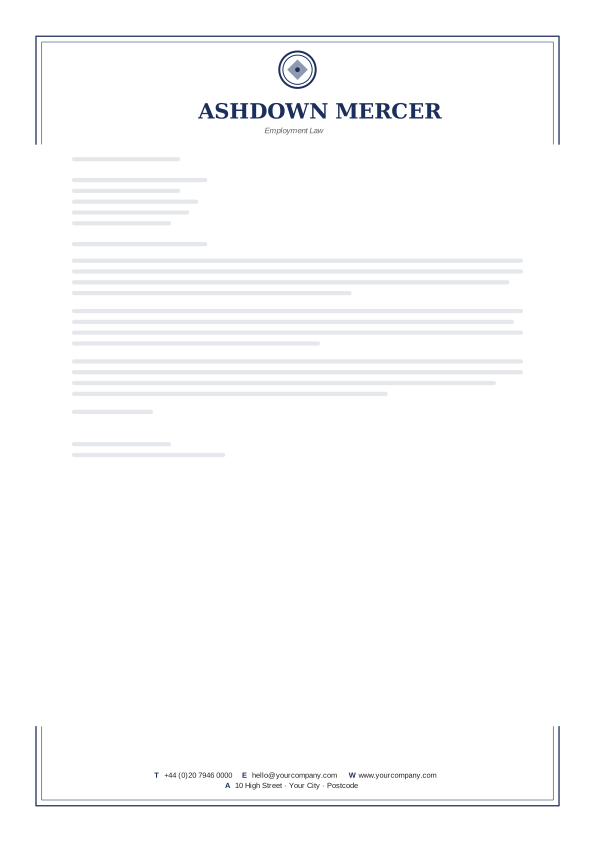
17. Inkwell Blue Open Frame
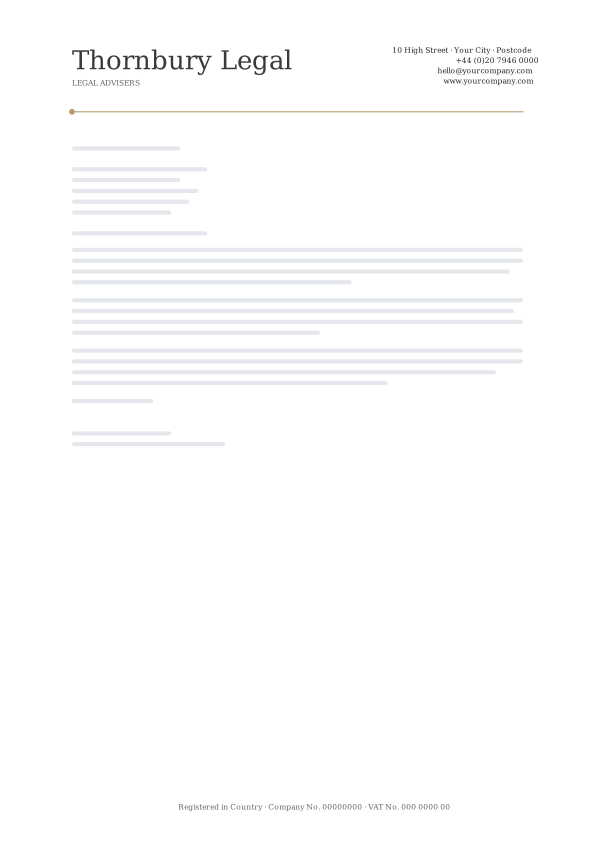
18. Charcoal Parchment Signature
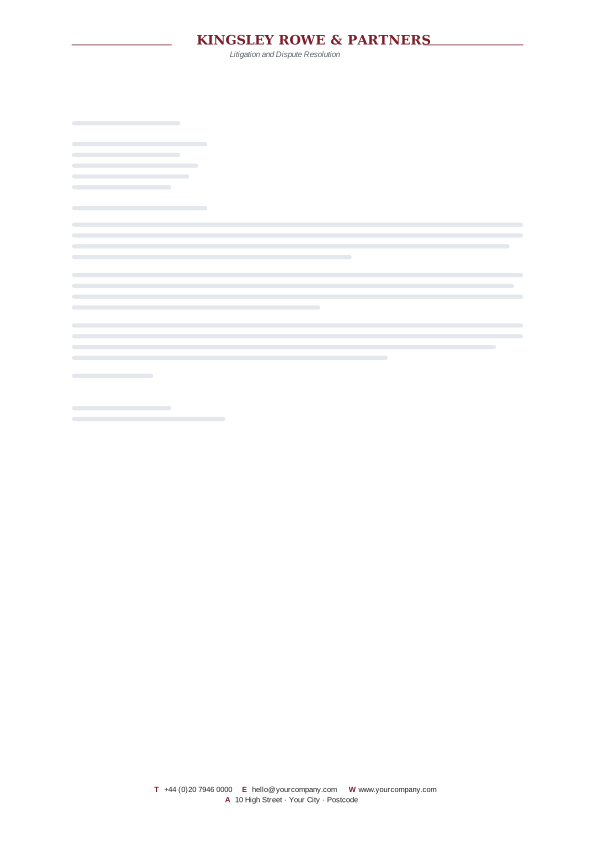
19. Claret Grey Spaced Capitals

20. Federal Blue Margin Brackets
The Creative Studio letterhead templates
Playful colour pairings, bold monograms and generous white space for designers, photographers and makers.
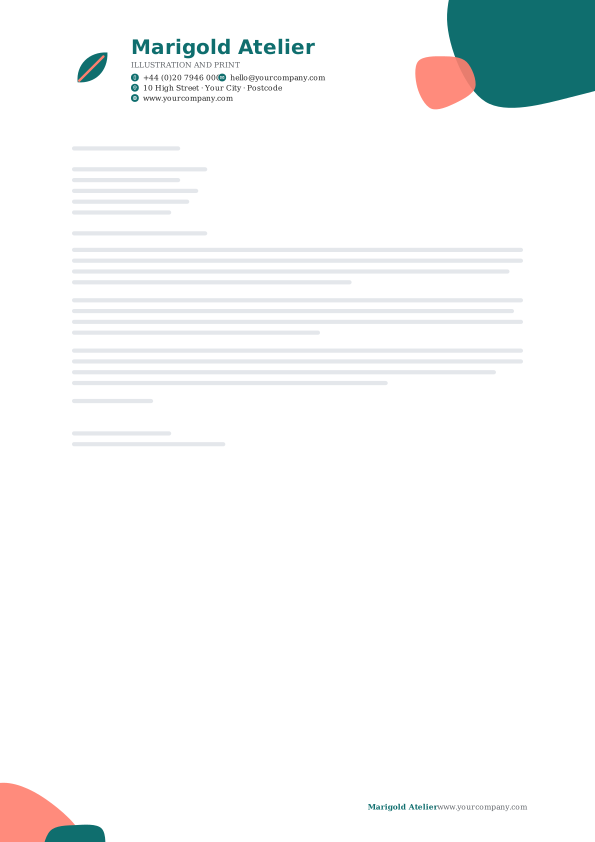
21. Studio Teal Blob
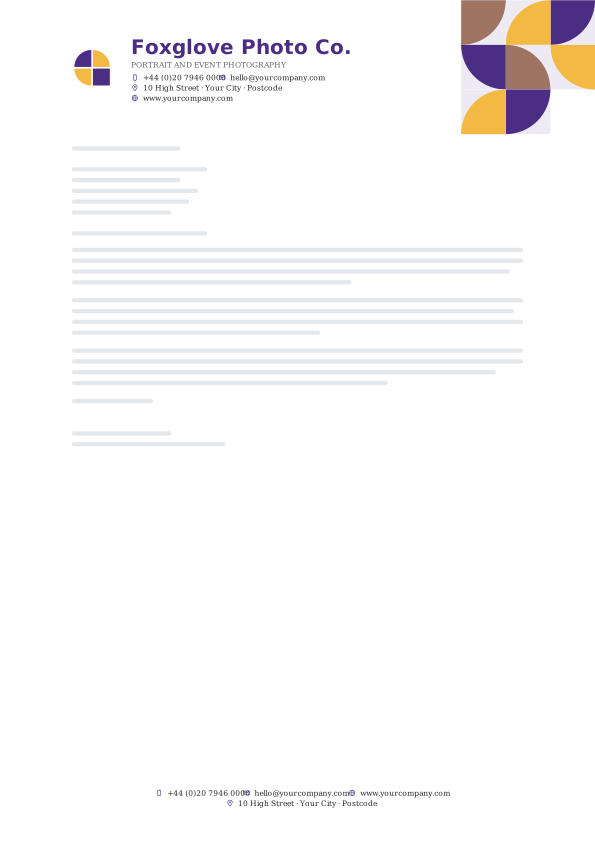
22. Violet Saffron Quarter Tiles
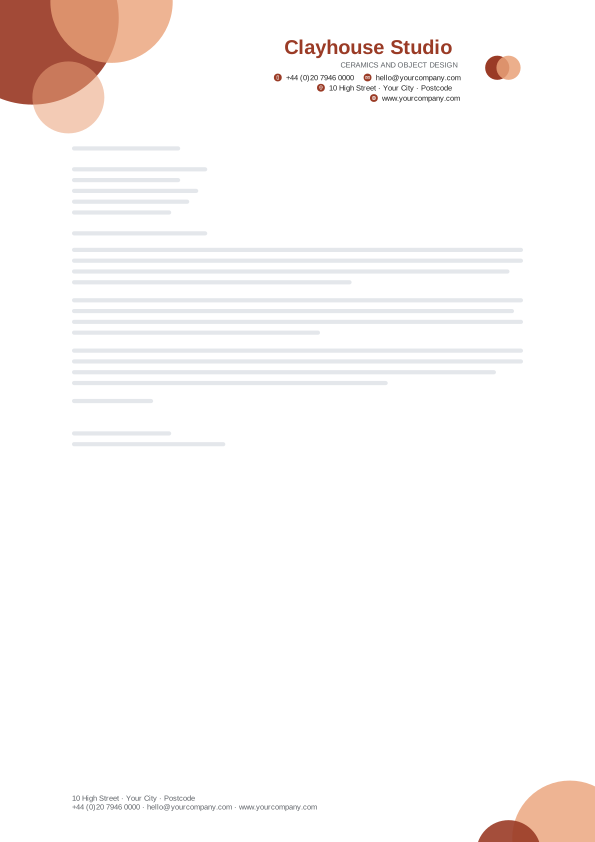
23. Terracotta Glass Bubbles
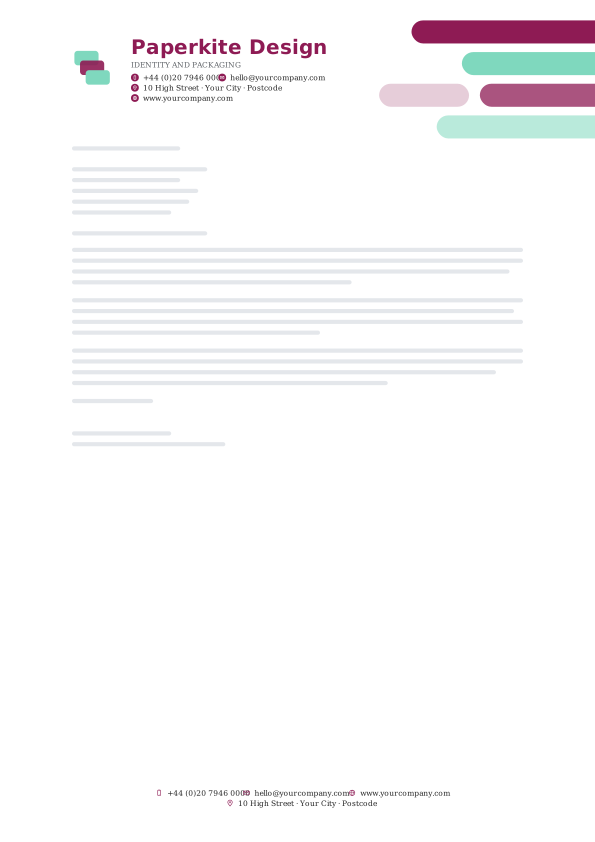
24. Berry Mint Pill Stack
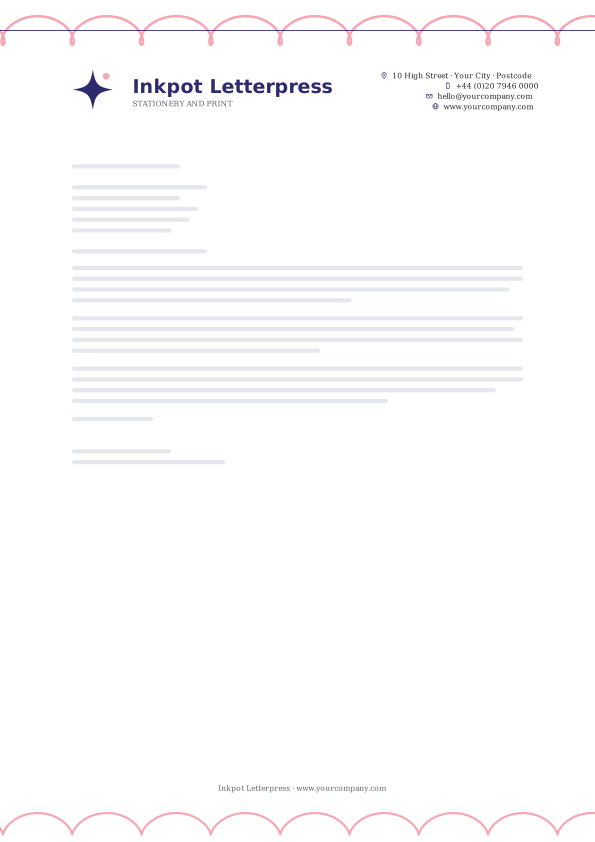
25. Indigo Blush Loop Line
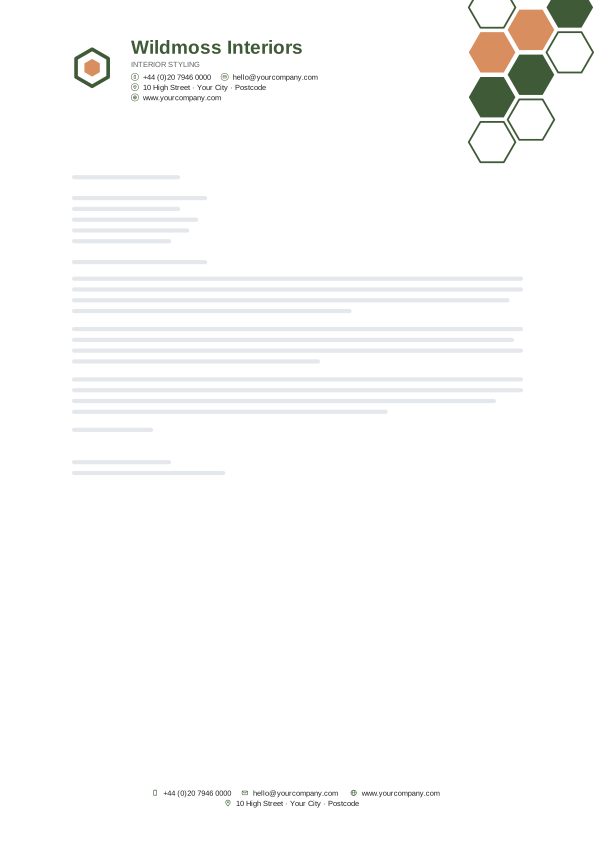
26. Moss Clay Hex Cluster
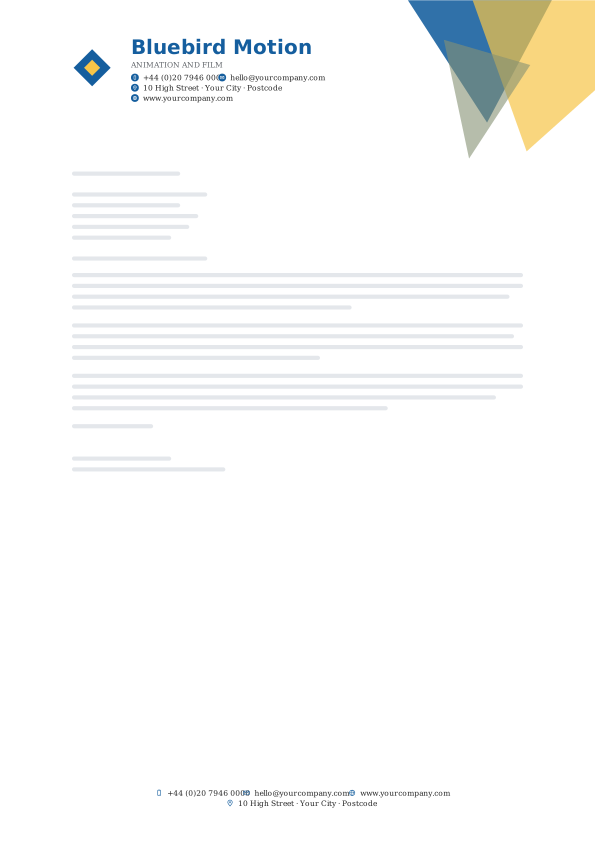
27. Cerulean Citrus Crystal

28. Aubergine Gold Layered Corner
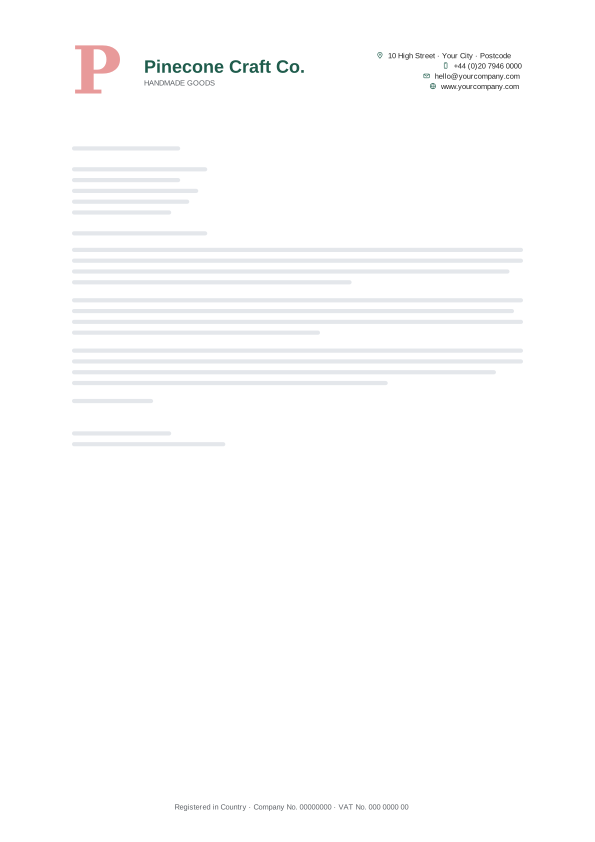
29. Pine Rose Big Initial
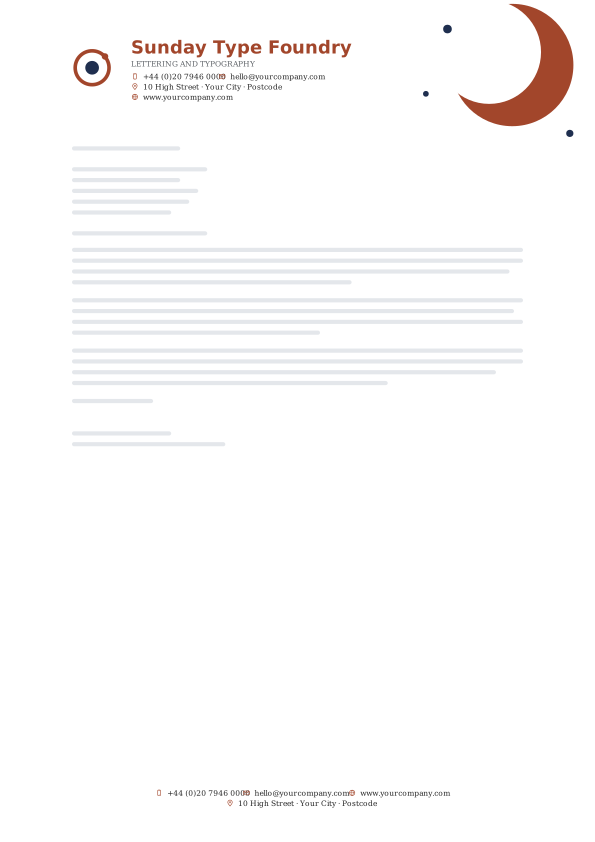
30. Rust Navy Crescent
Corporate & Finance letterhead templates
Structured headers in navy, teal and slate for accountants, consultancies, banks and larger companies.
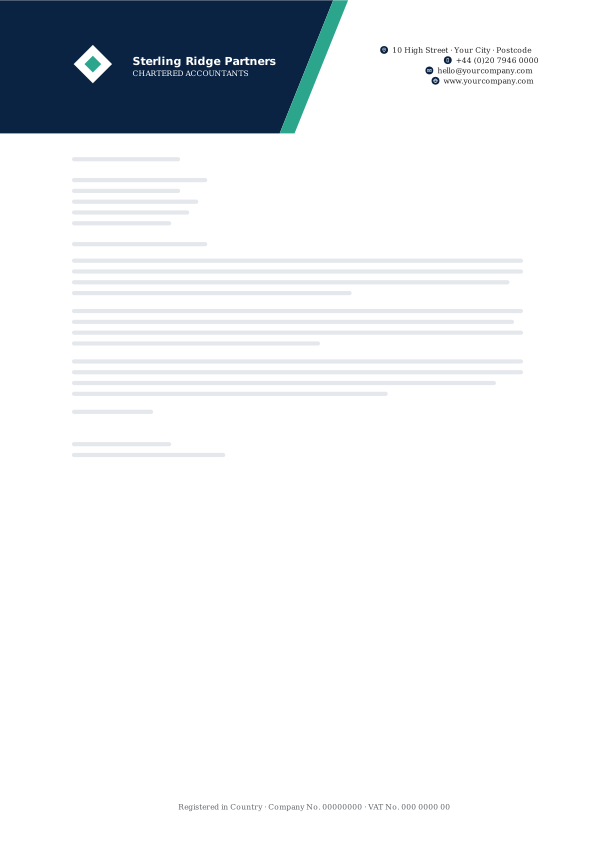
31. Executive Navy Shard Split
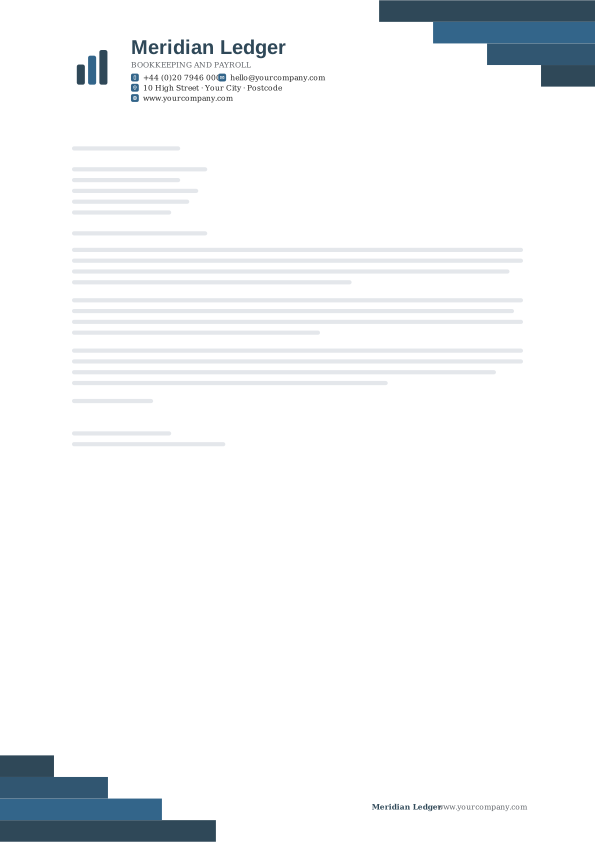
32. Steel Teal Stair Steps
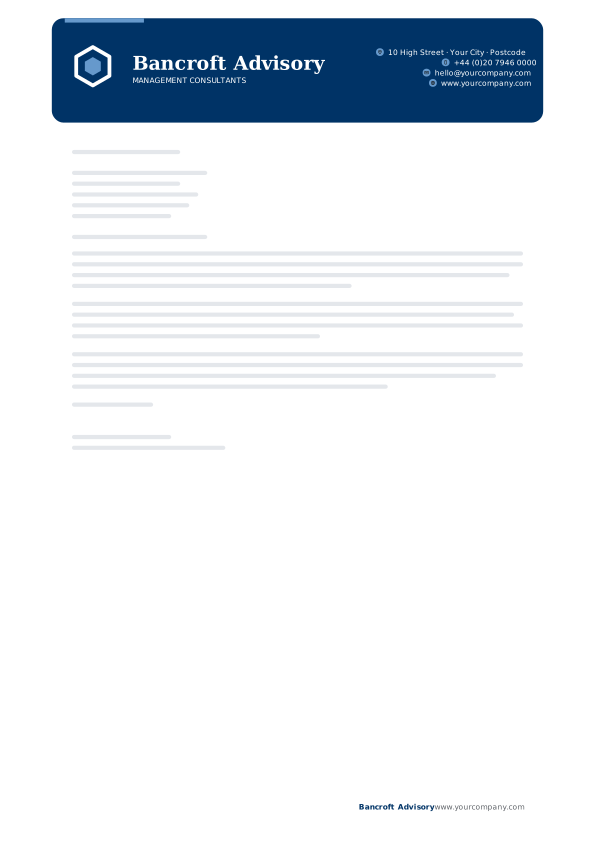
33. Capital Blue Panel
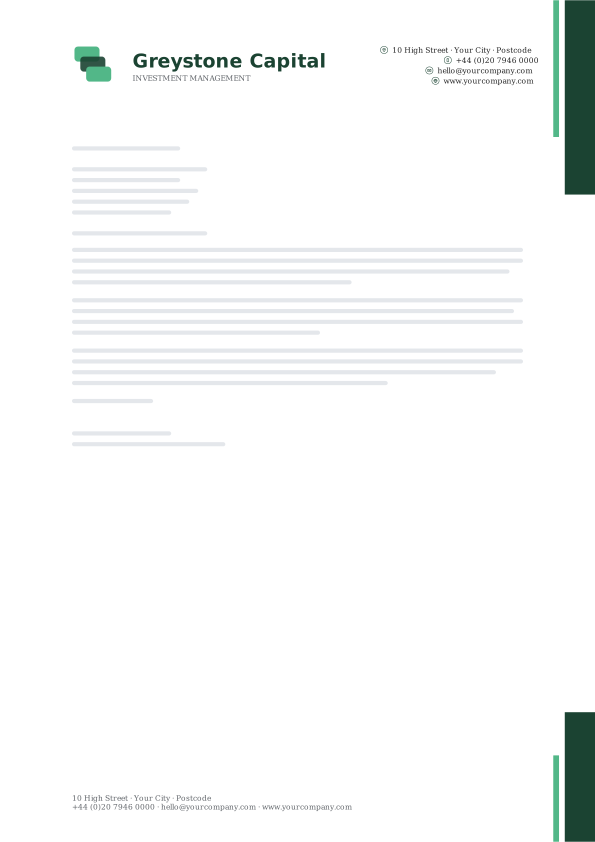
34. Ledger Green Right Rail
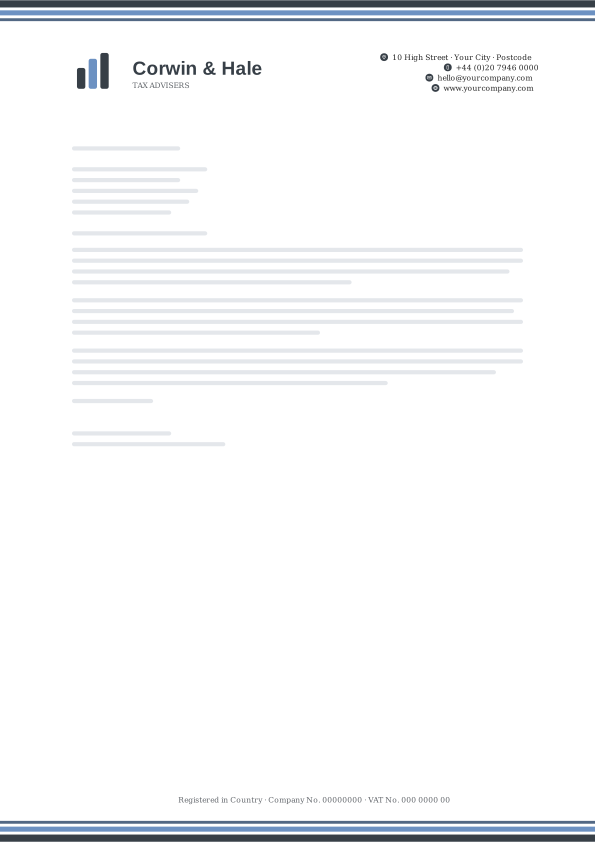
35. Granite Tri-Stripe
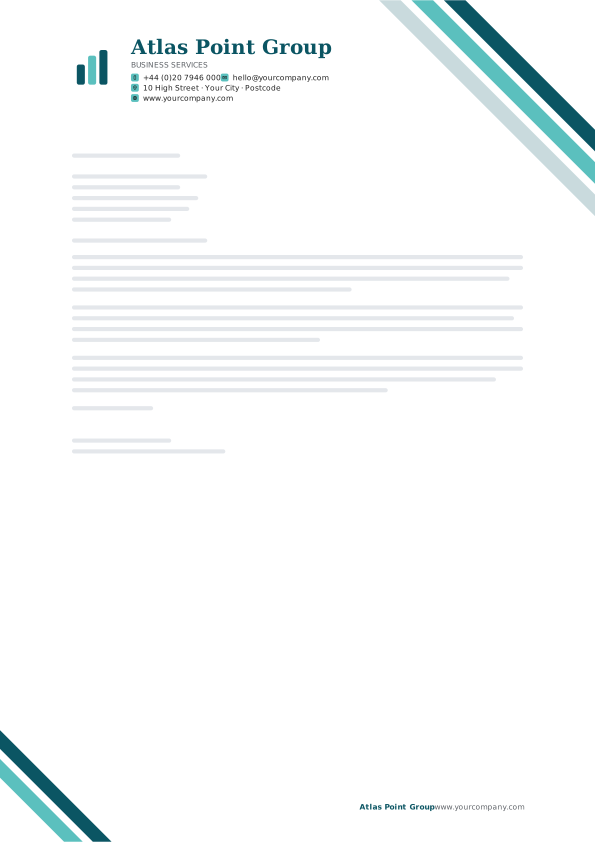
36. Treasury Teal Angle Ribbons
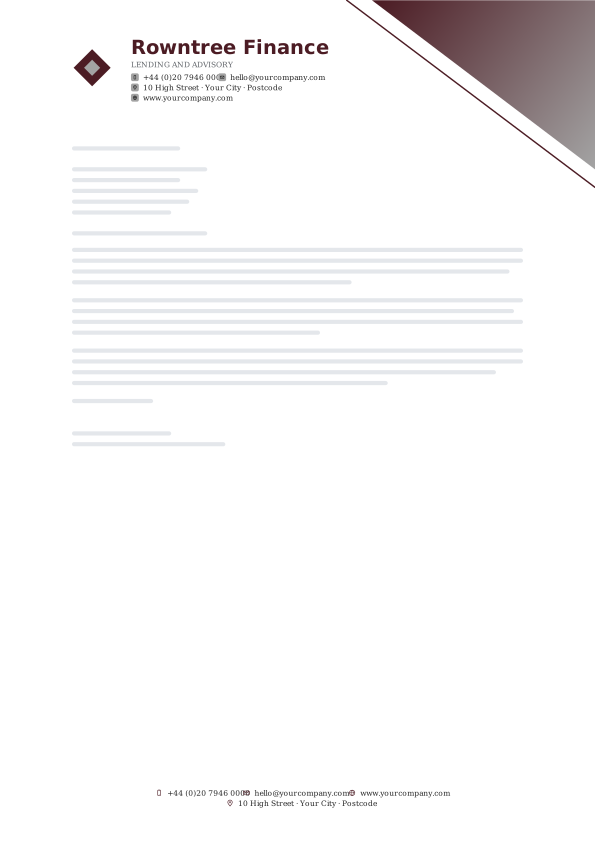
37. Boardroom Burgundy Duotone Shard
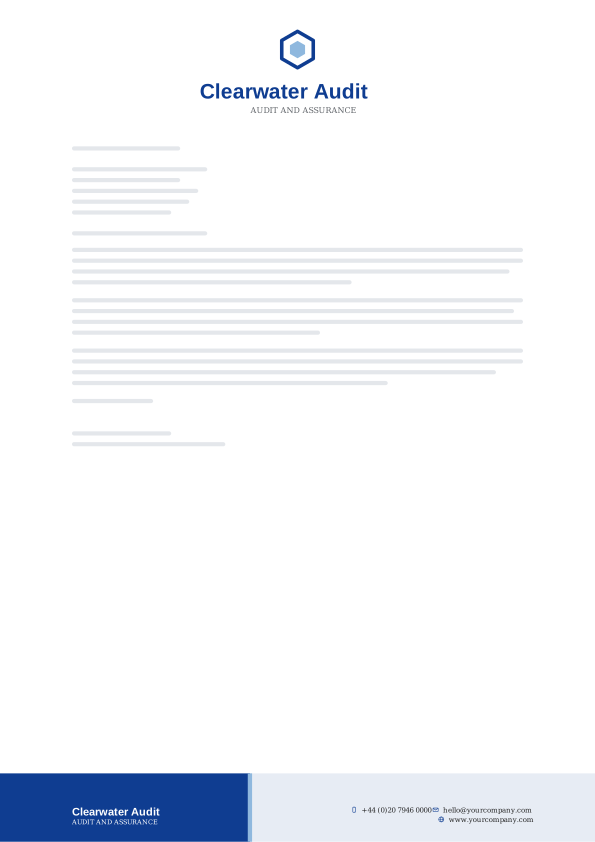
38. Sapphire Footer Split
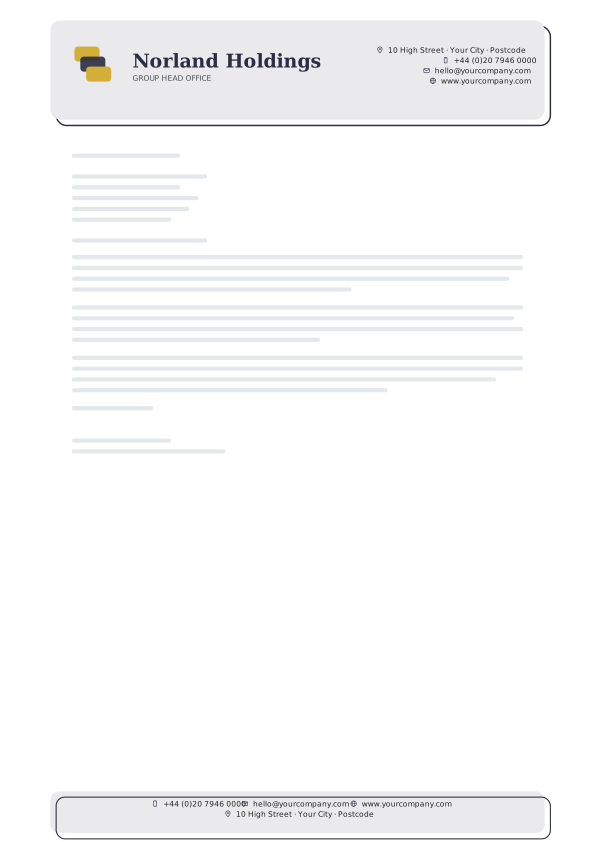
39. Carbon Gold Offset Card
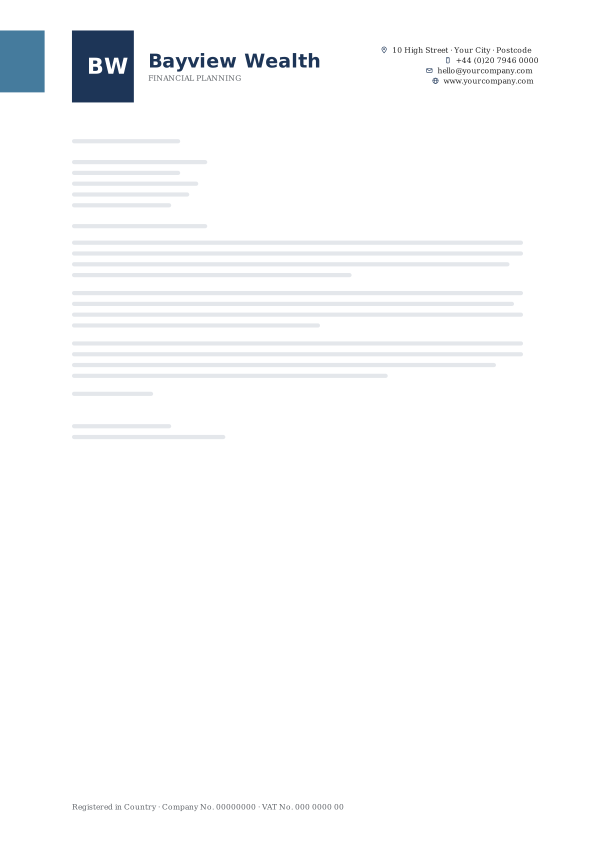
40. Harbor Blue Monogram Block
Healthcare & Wellness letterhead templates
Calm teals, greens and soft blues for clinics, therapists, dentists and wellness practices.

41. Clinic Teal Corner Swell
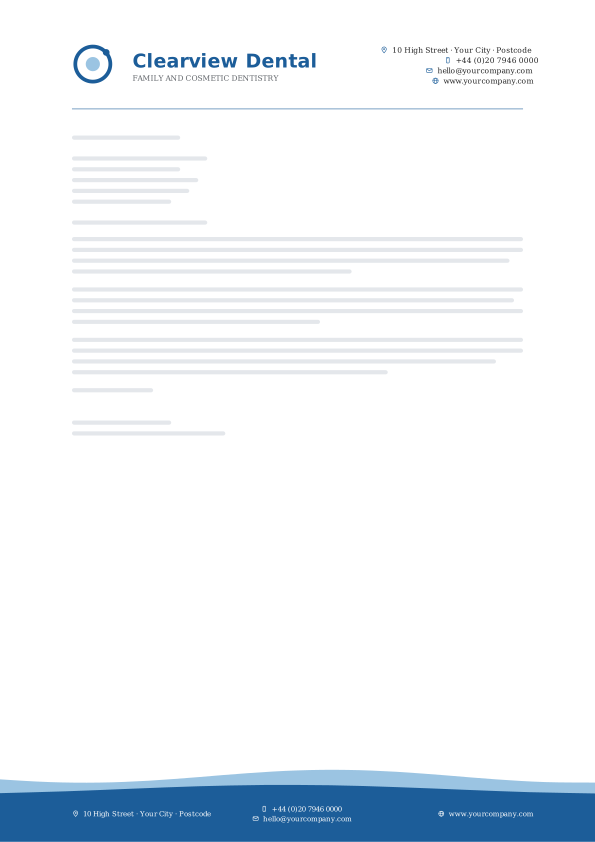
42. Calm Blue Low Tide
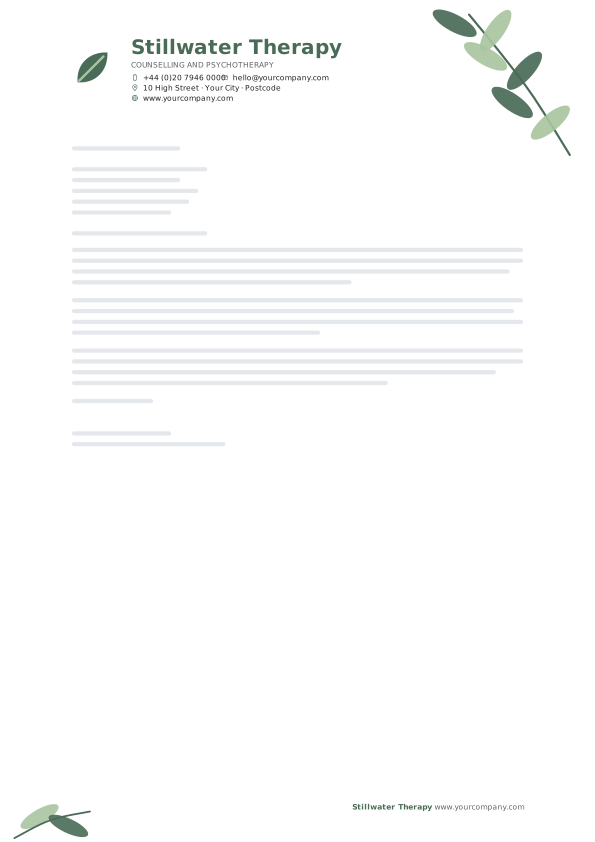
43. Sage Leaf Sprig
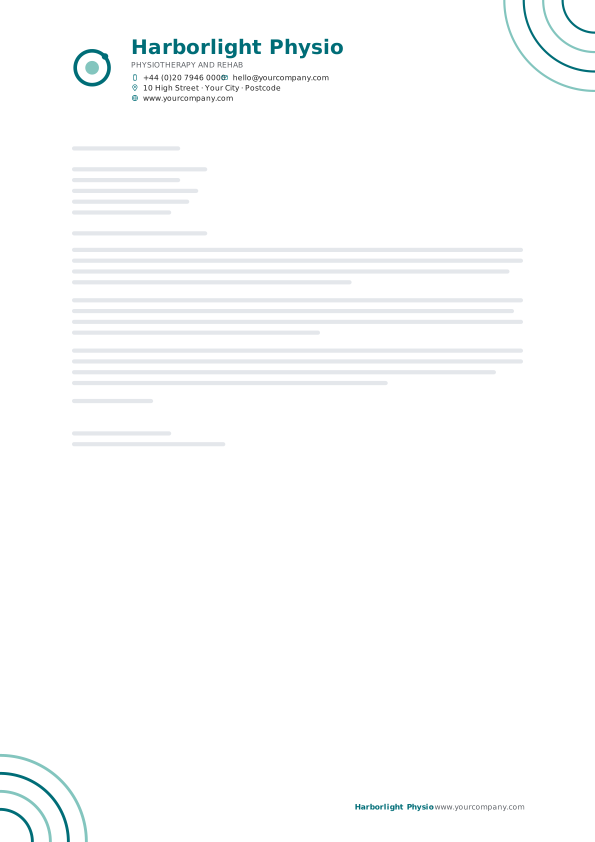
44. Lagoon Ripple
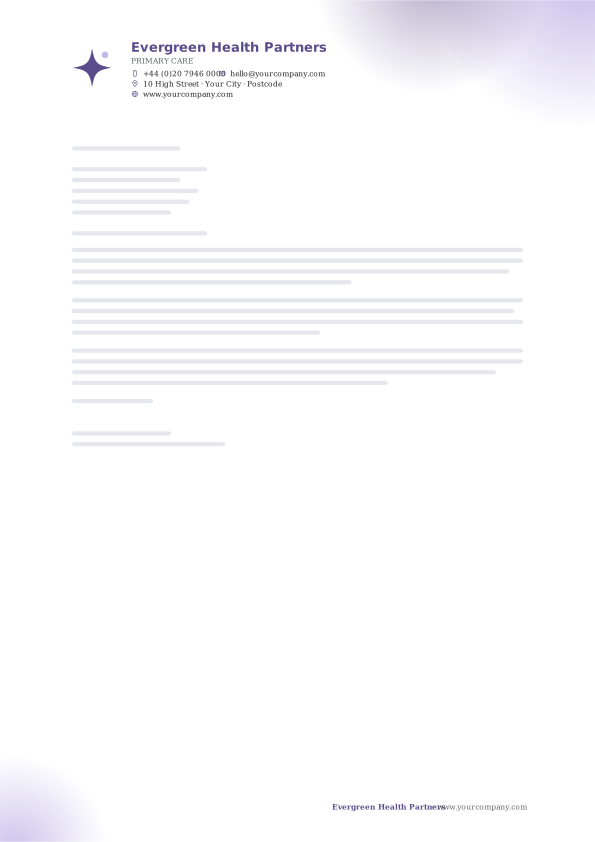
45. Lavender Care Soft Glow
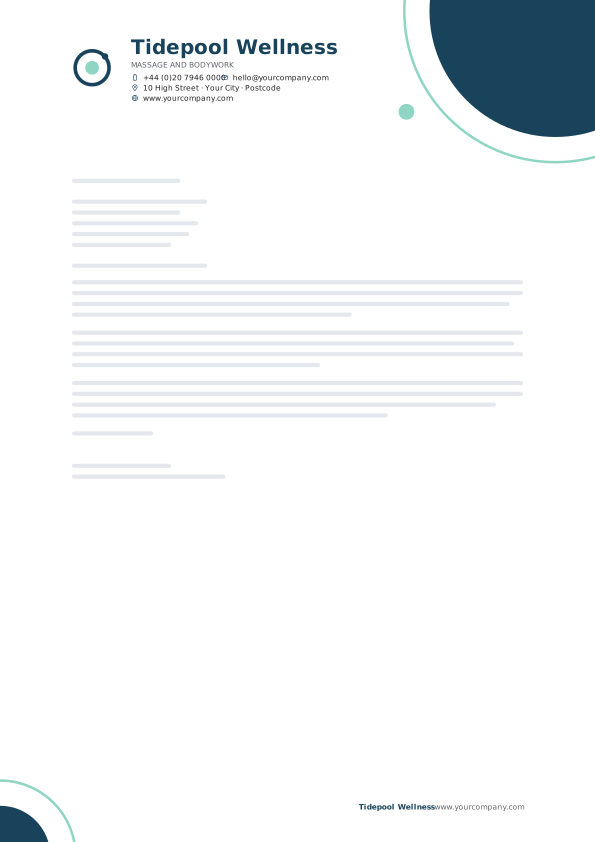
46. Seafoam Navy Orbit
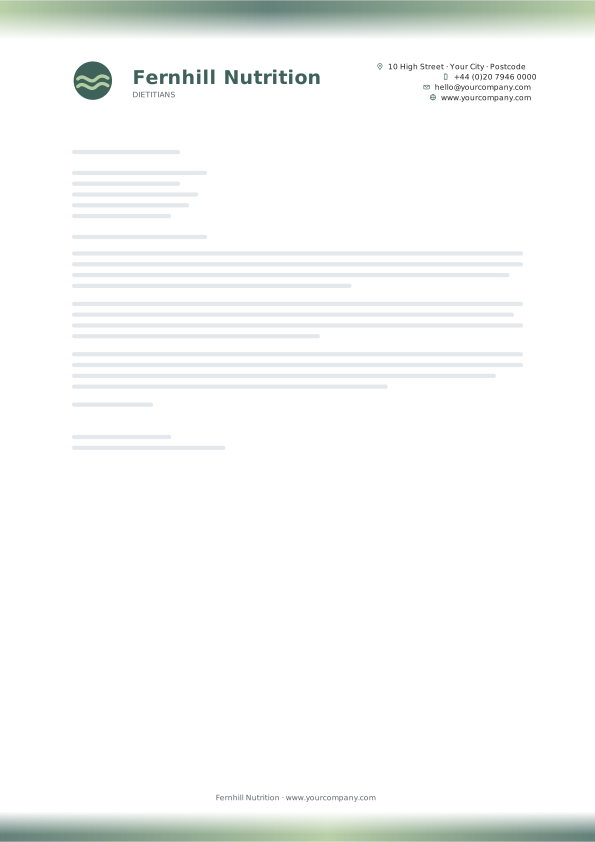
47. Eucalyptus Aurora
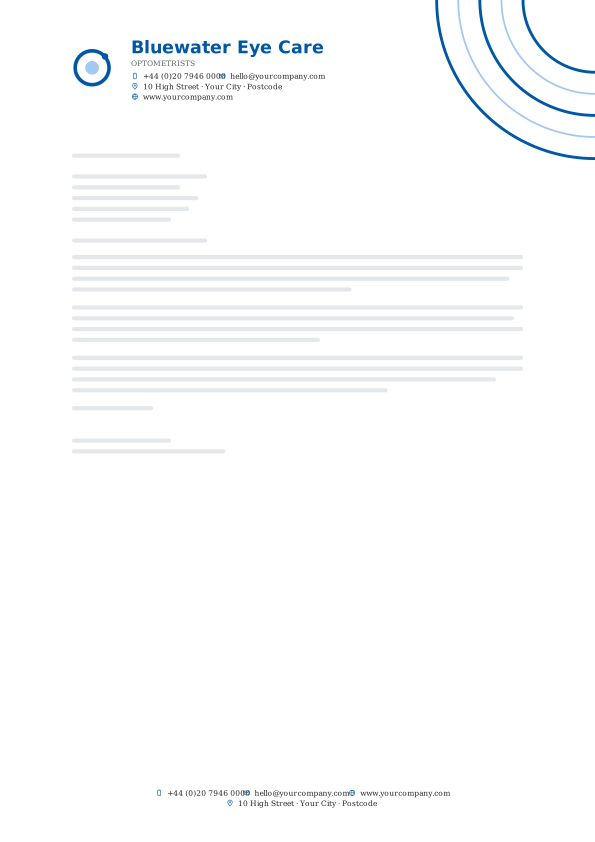
48. Medical Blue Corner Arcs
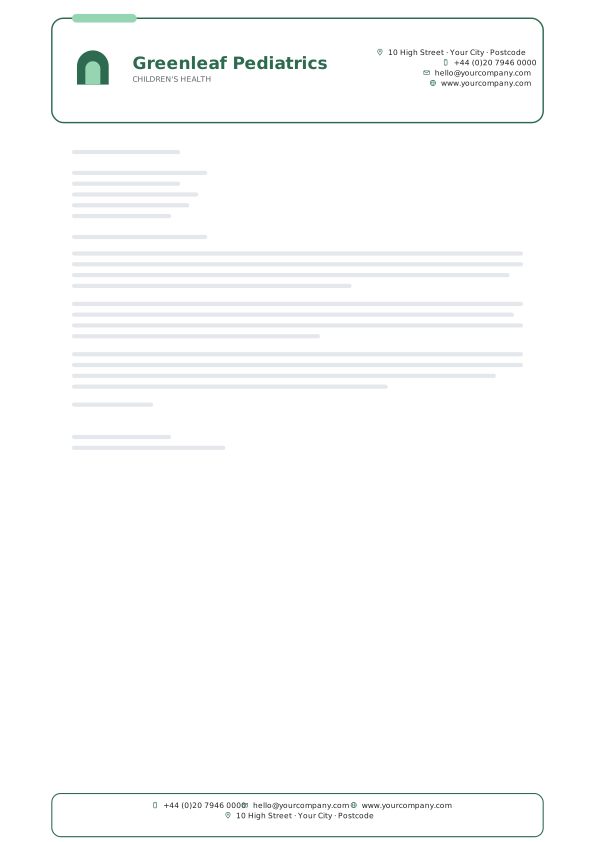
49. Wellness Green Window
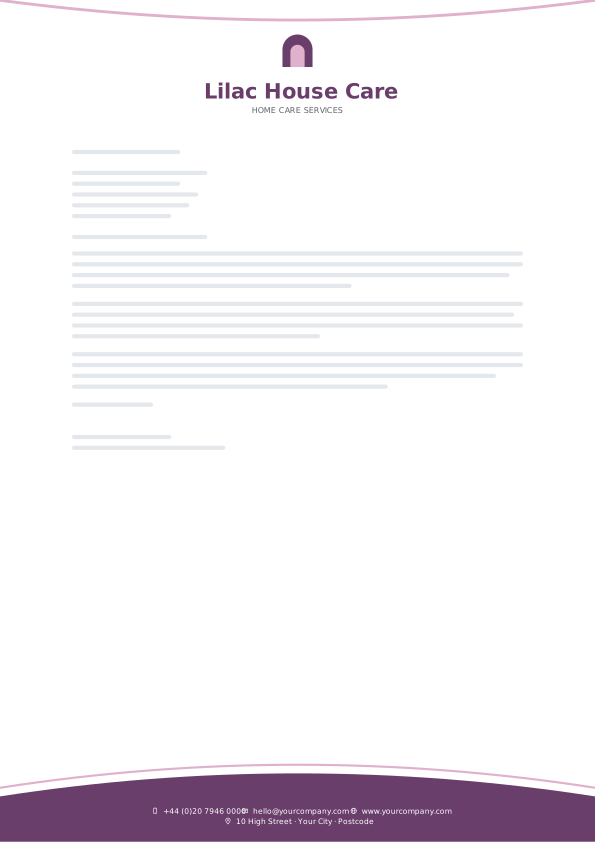
50. Soft Plum Base Arc
Tech & Startups letterhead templates
Indigo, electric blue and dark neutrals with crisp sans-serif type for software and product companies.

51. Indigo Spark Dot Matrix
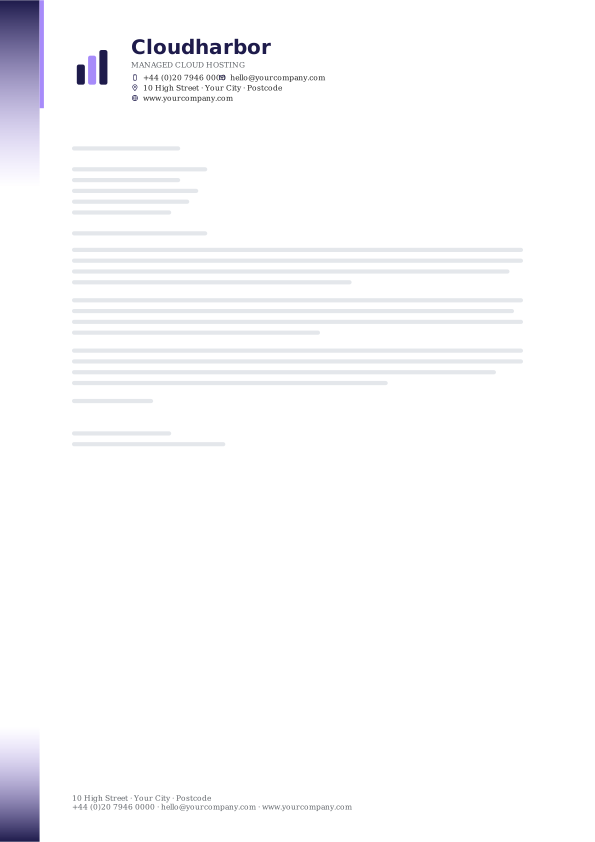
52. Night Violet Gradient Edge
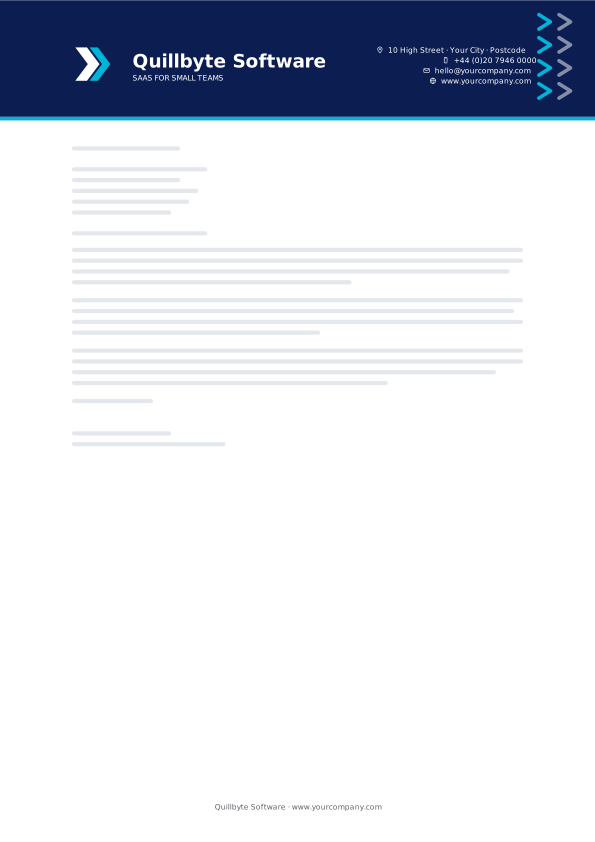
53. Electric Navy Chevron Band
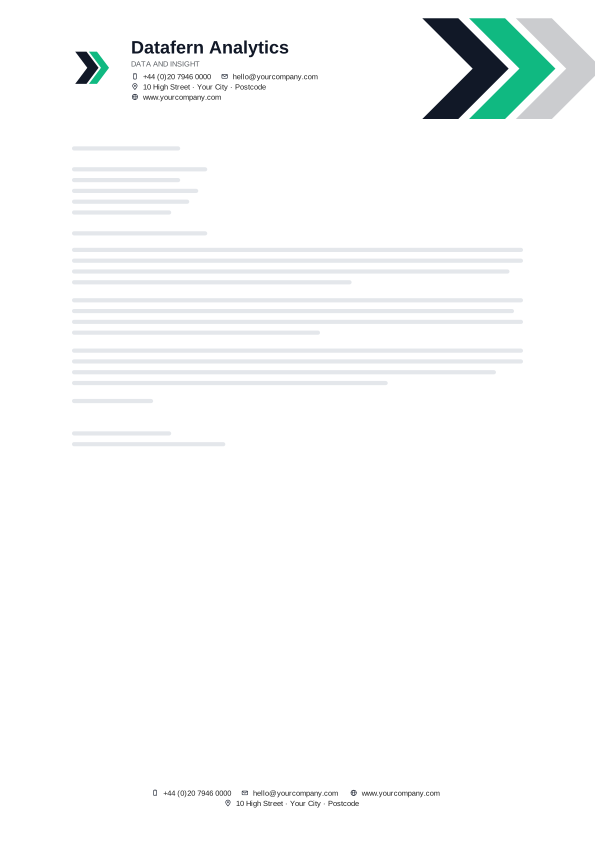
54. Terminal Arrowhead
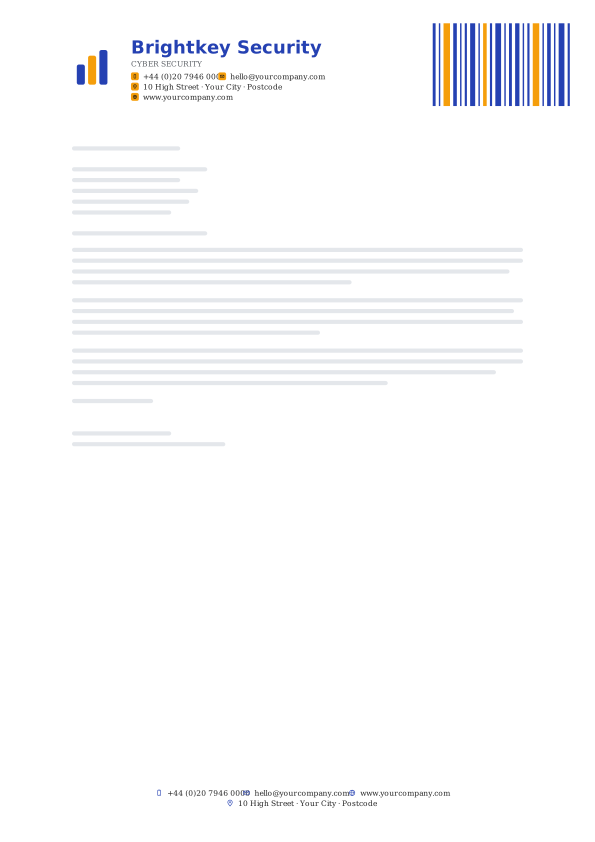
55. Ultramarine Barcode
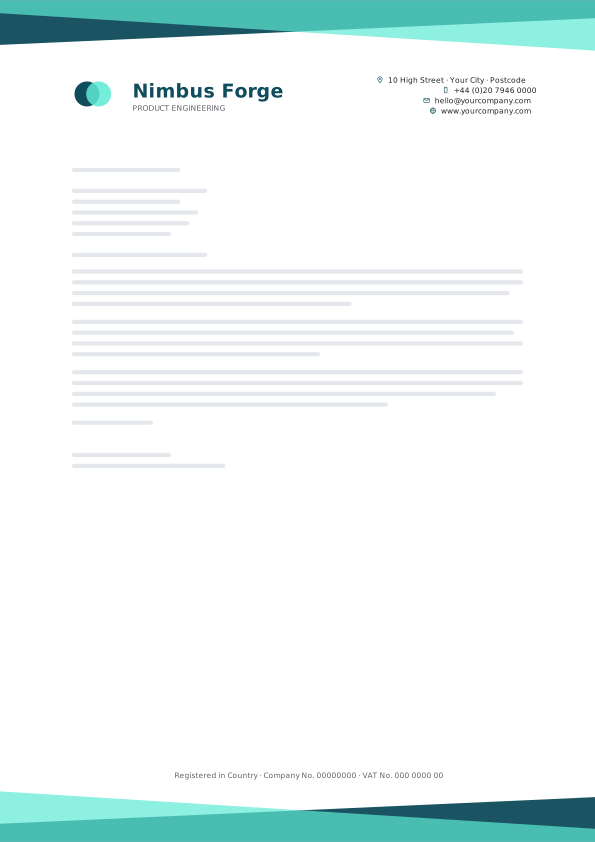
56. Quantum Teal Crossed Bands
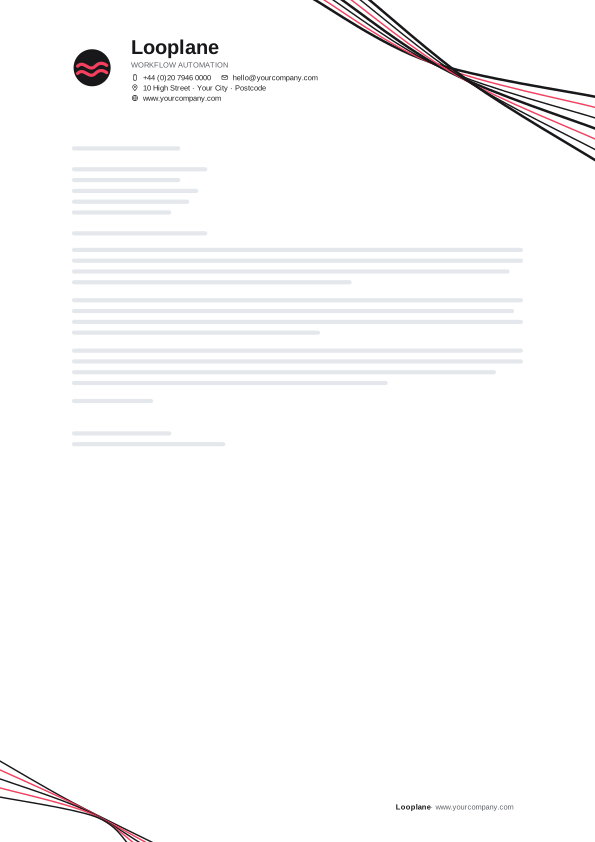
57. Byte Black Swoosh Lines
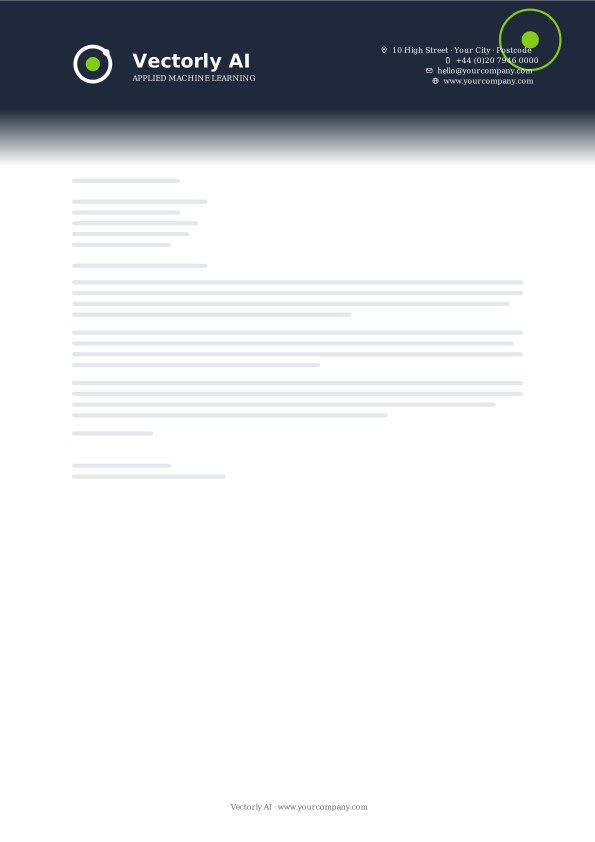
58. Neon Slate Fade Down
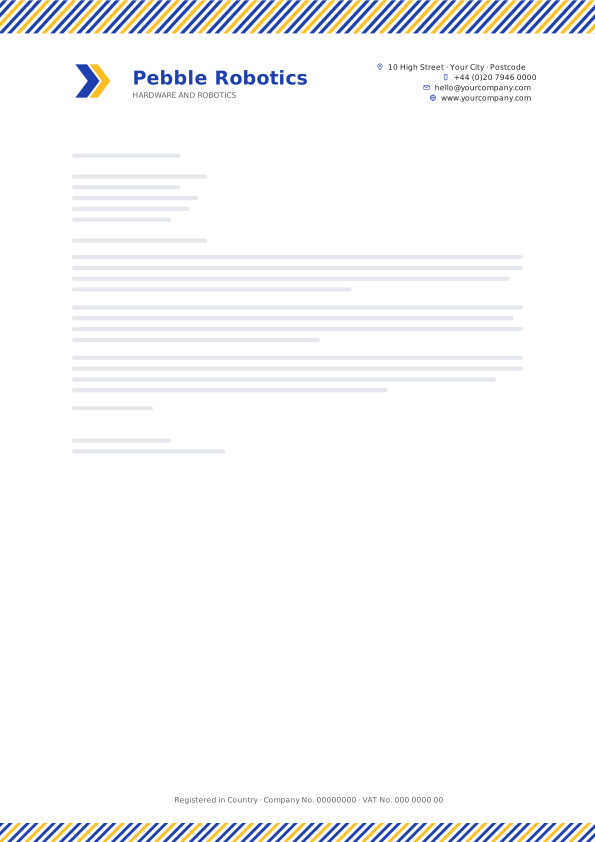
59. Orbit Blue Pinstripe Band
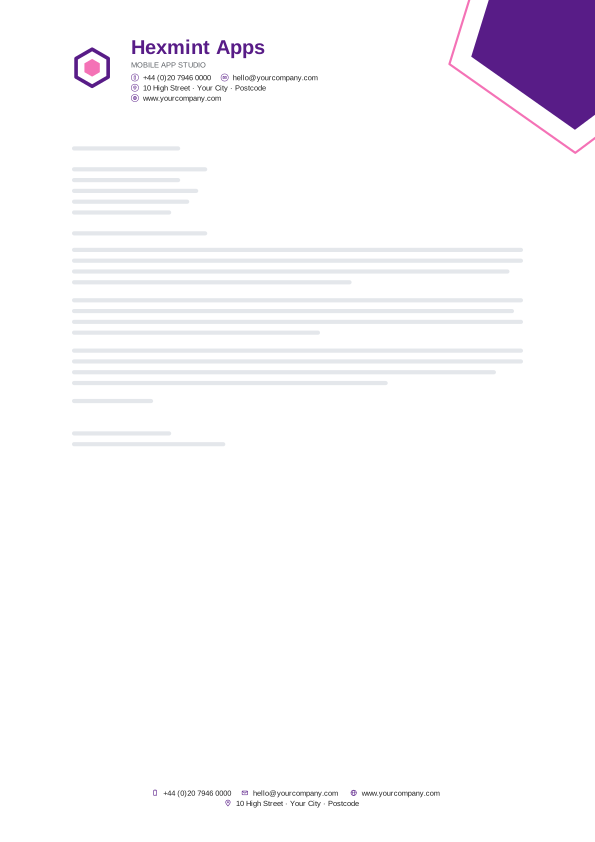
60. Pixel Purple Pentagon
Real Estate & Construction letterhead templates
Grounded charcoals, forest greens and warm accents for builders, architects, agents and property managers.
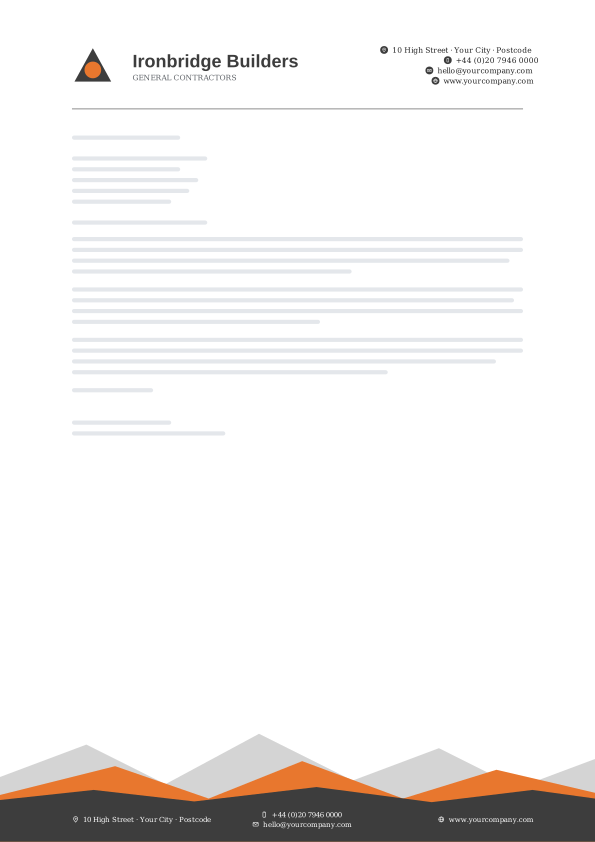
61. Concrete Orange Peaks
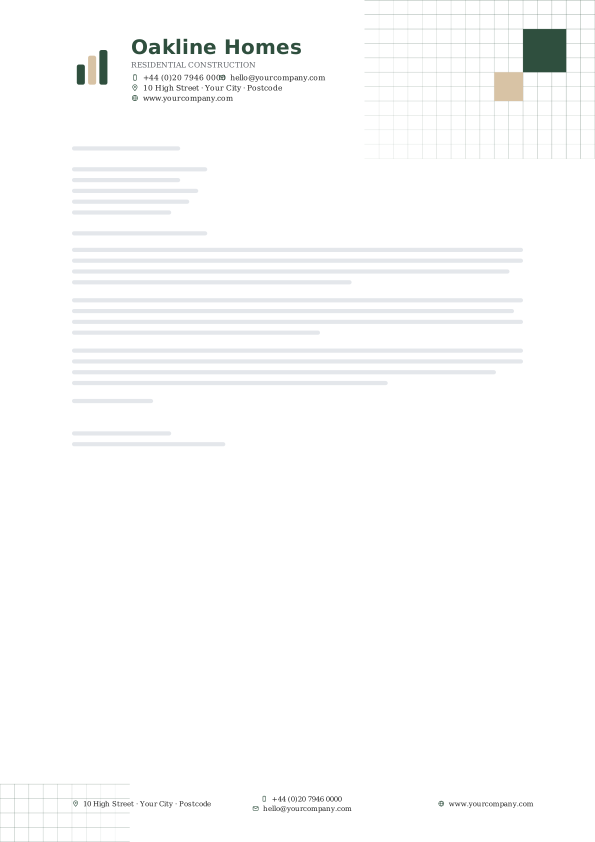
62. Forest Sand Blueprint Grid

63. Brick Corner Prism
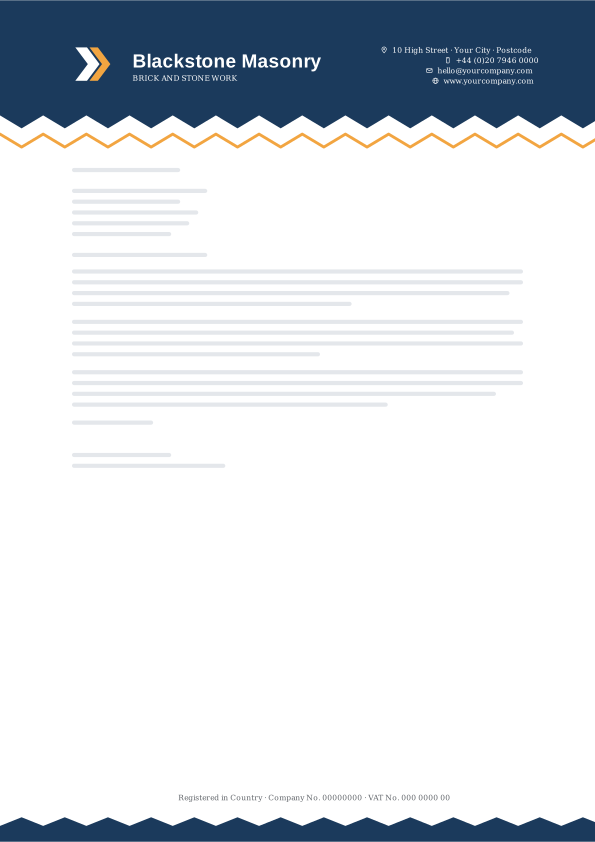
64. Blueprint Sawtooth
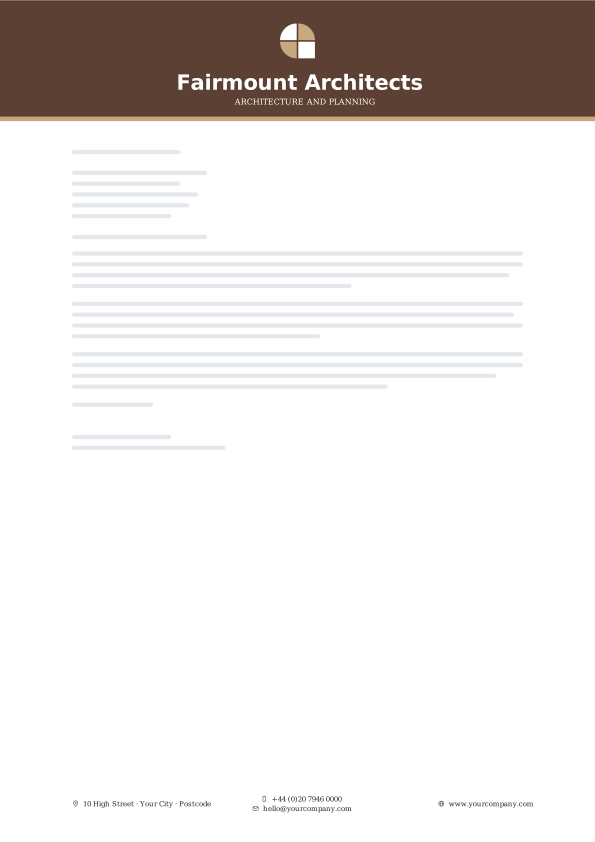
65. Timber Colour Field
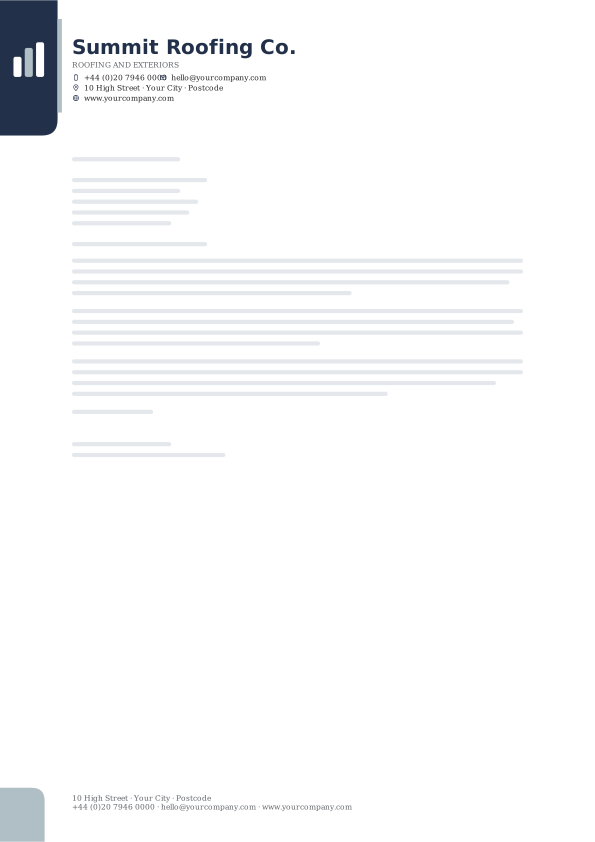
66. Skyline Navy Edge Tab
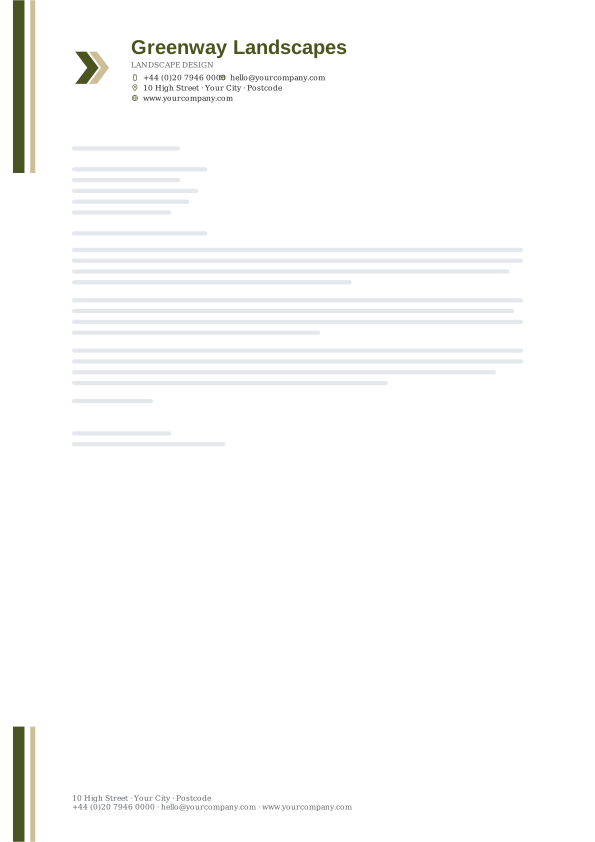
67. Olive Stone Racing Stripes

68. Copper Slate Shard Footer
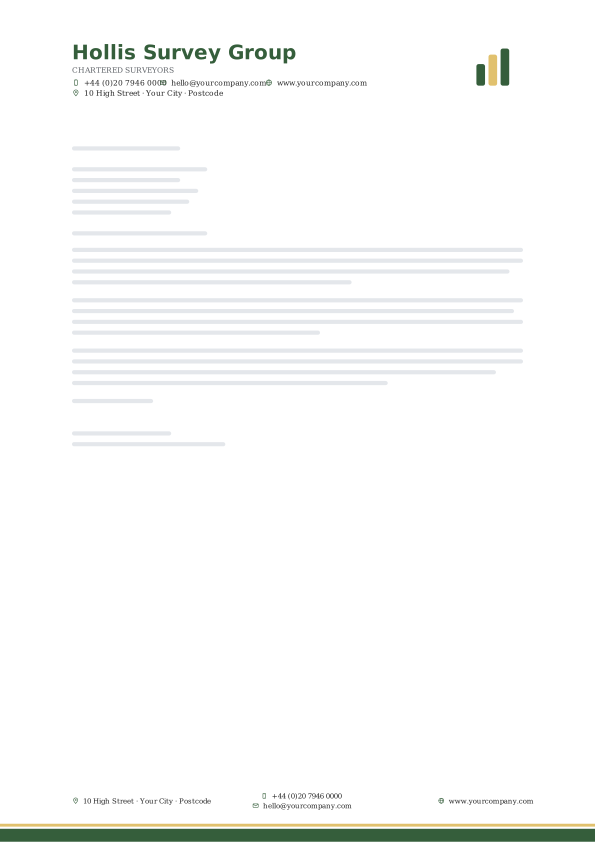
69. Terrace Green Baseline Bar

70. Steel Red Depth Footer
Education & Nonprofit letterhead templates
Trustworthy blues, heritage maroons and hopeful accents for schools, charities, clubs and community groups.
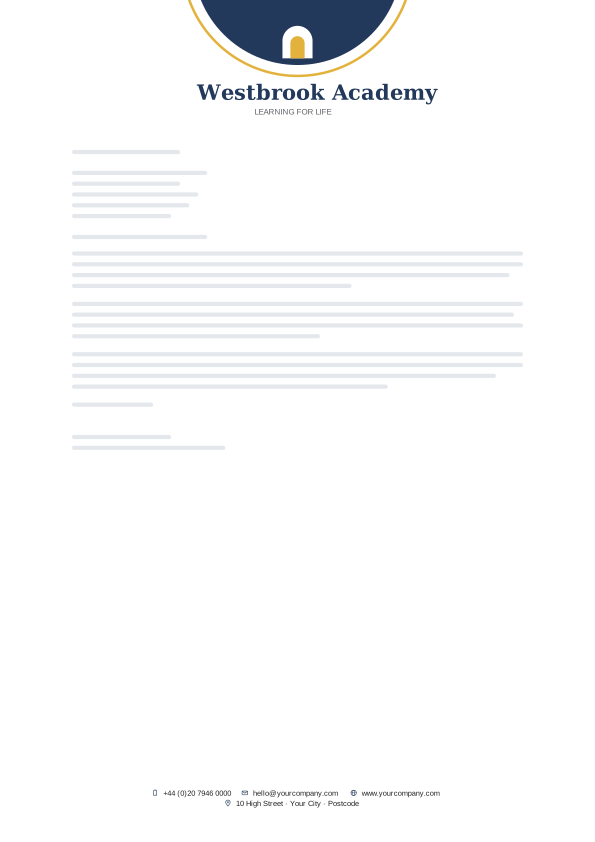
71. Scholar Blue Arch
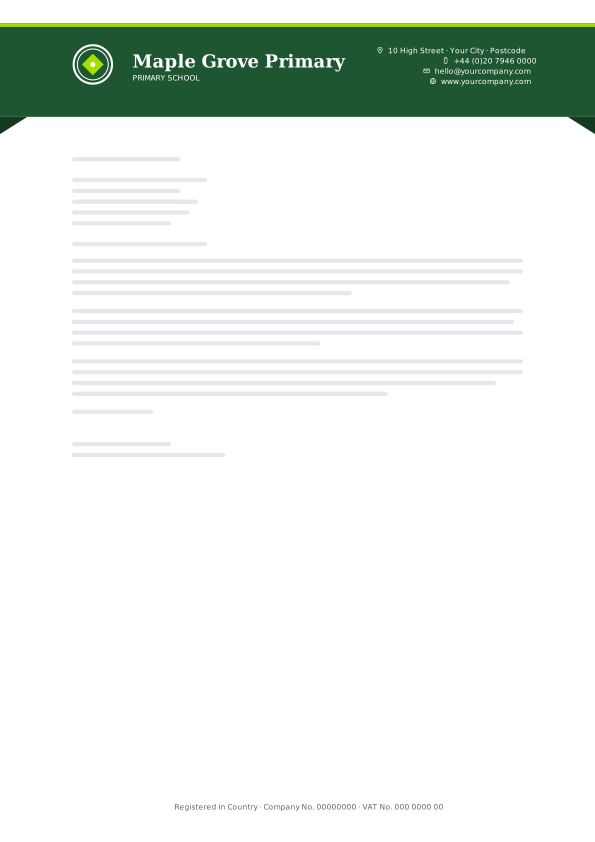
72. Campus Green Ribbon Banner
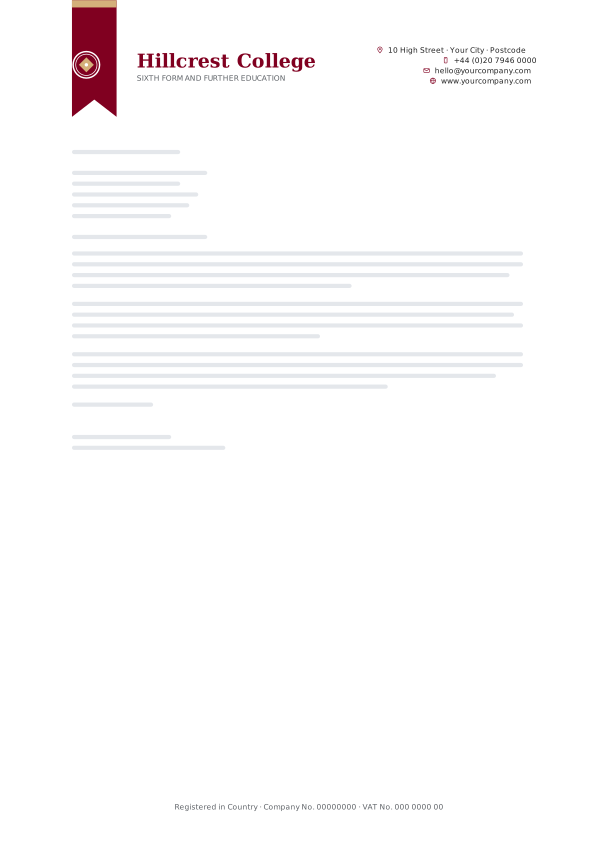
73. Heritage Maroon Bookmark
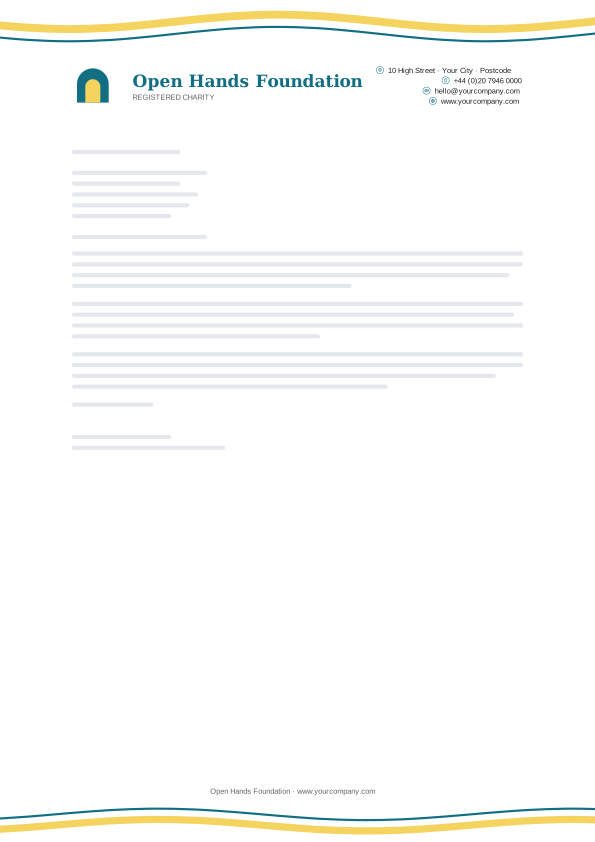
74. Hope Teal Ribbon Wave

75. Civic Navy Contact Strip
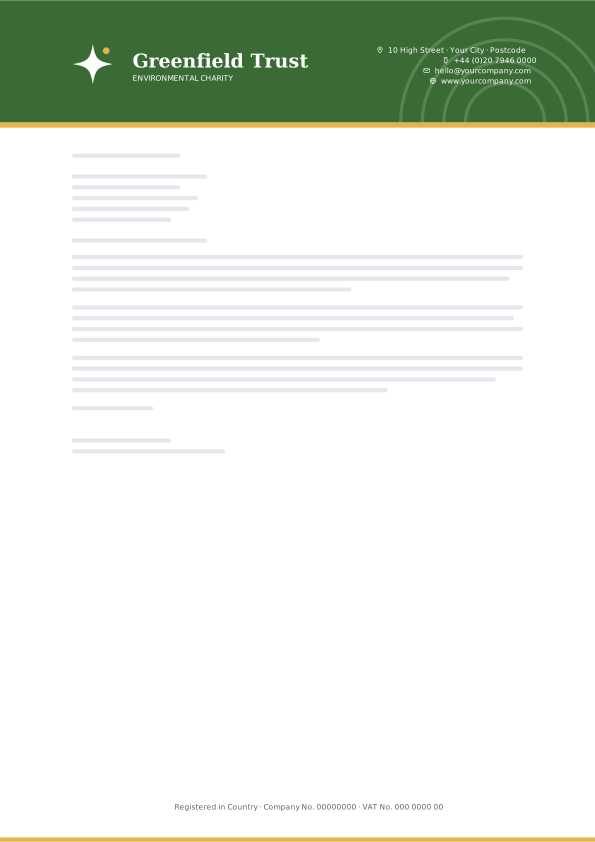
76. Meadow Sunrise
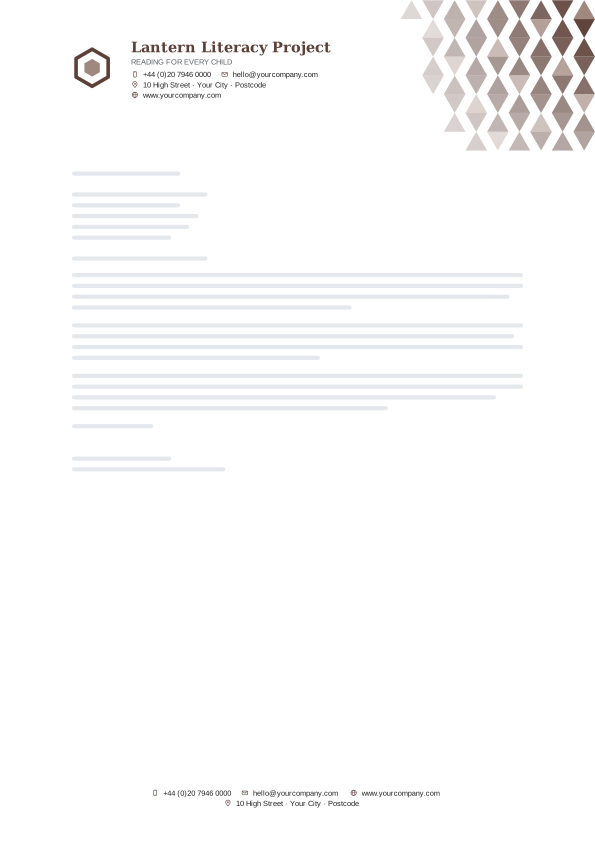
77. Library Brown Triangle Grid
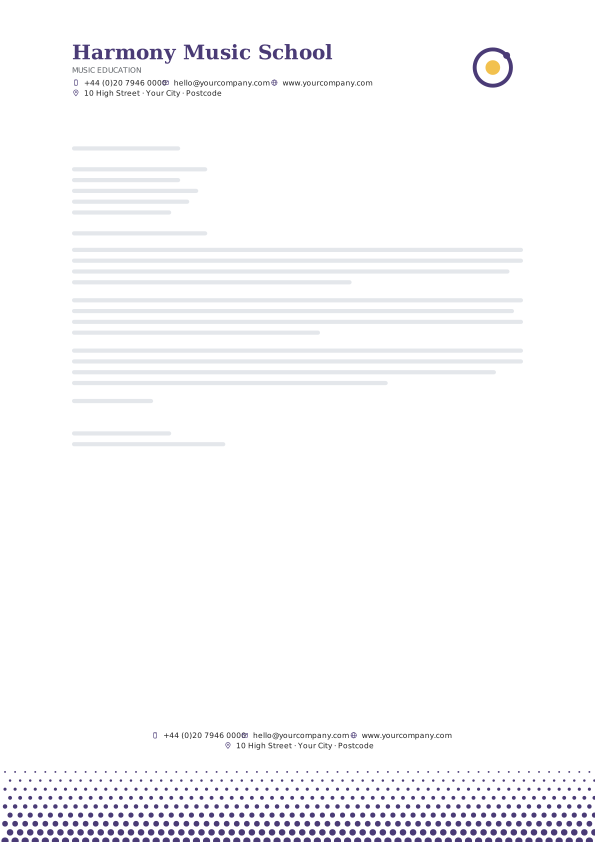
78. Unity Purple Halftone Footer
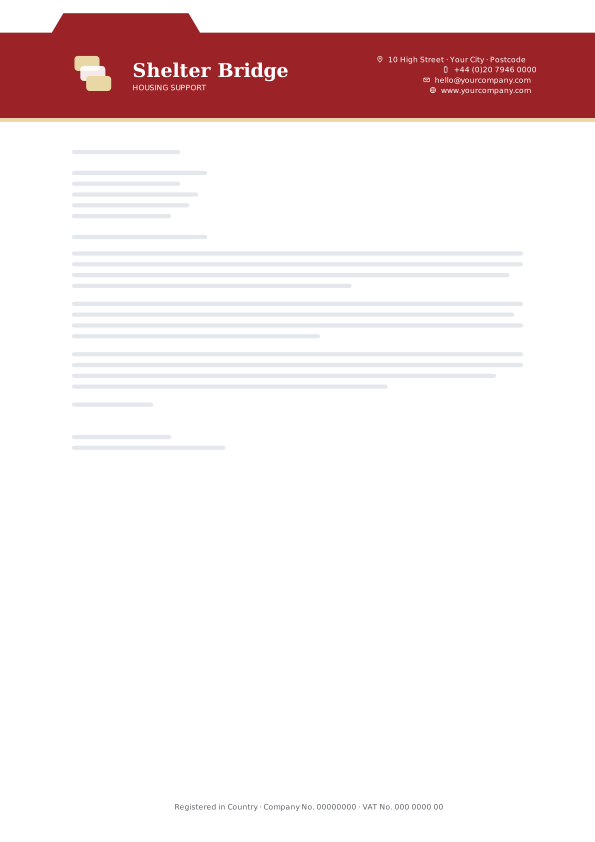
79. Charity Red Folder Tab
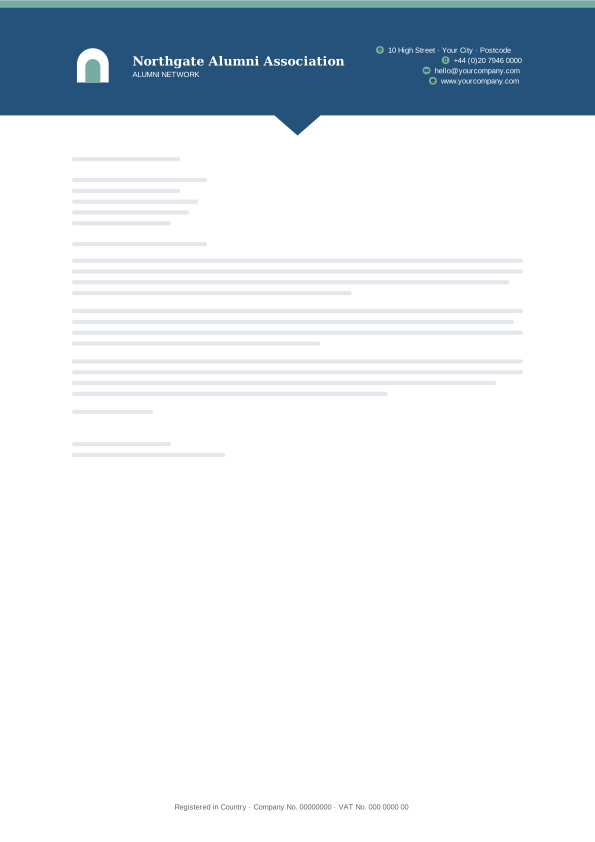
80. River Blue Pointer Band
Freelancers & Consultants letterhead templates
Personal, understated layouts in muted tones for freelancers, coaches, writers and independent consultants.

81. Monochrome Hairline

82. Warm Grey Side Accent
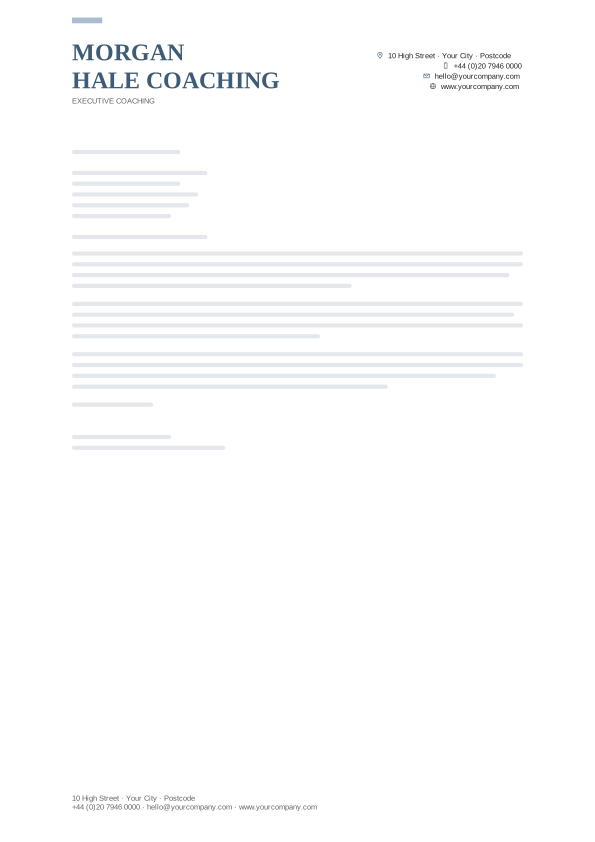
83. Dusty Blue Stacked Caps
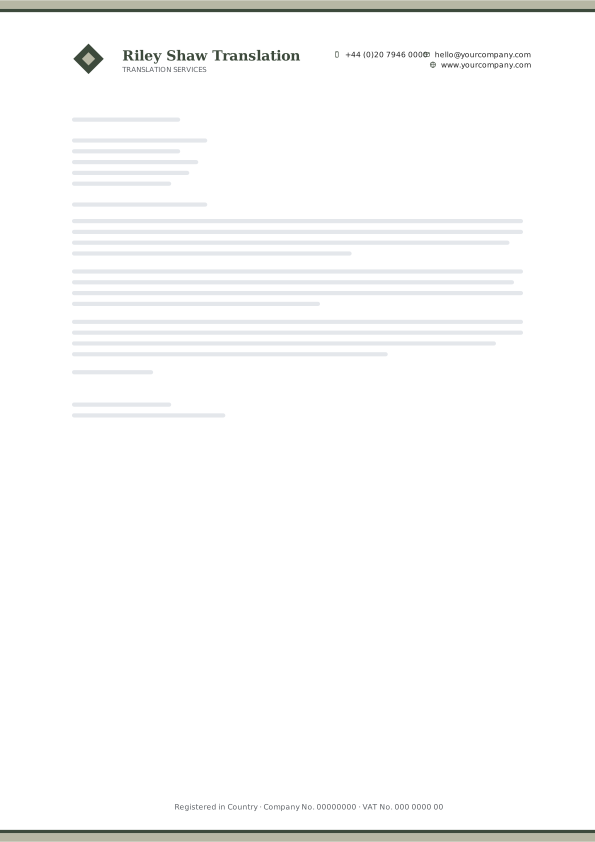
84. Olive Ink Top Edge Bar
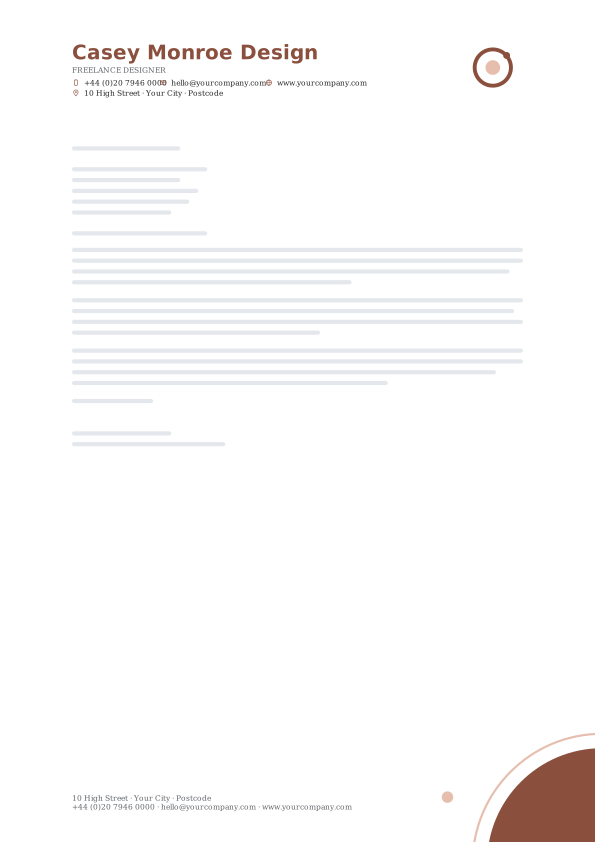
85. Clay Half Disc
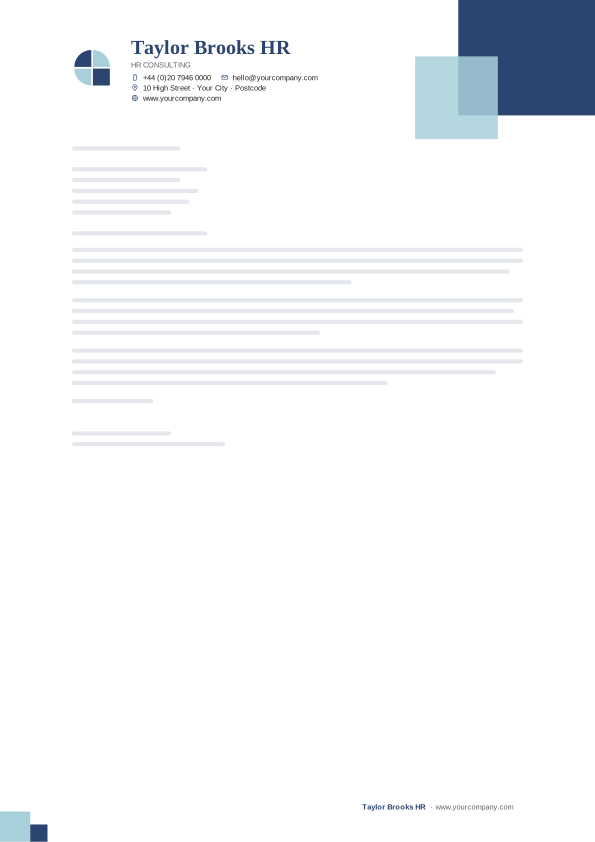
86. Denim Overlap Squares
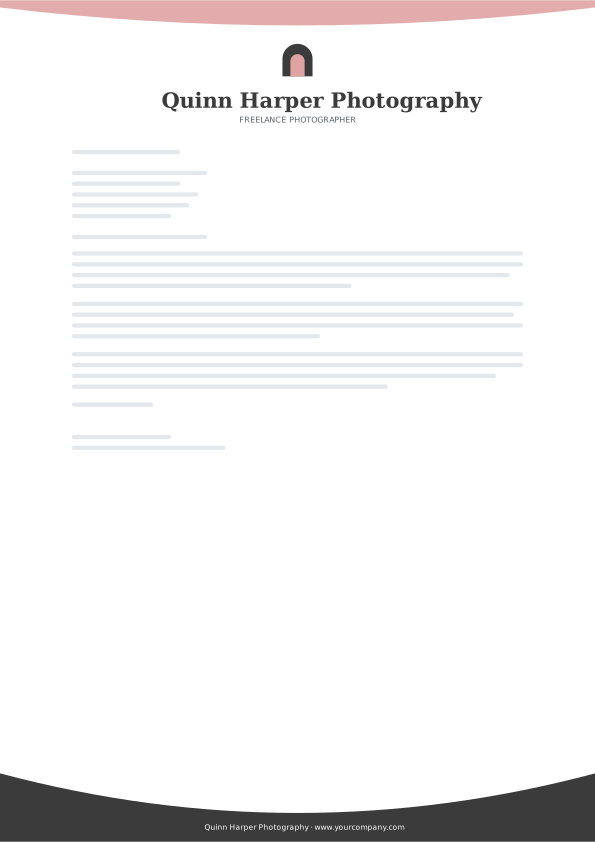
87. Graphite Rose Bowl
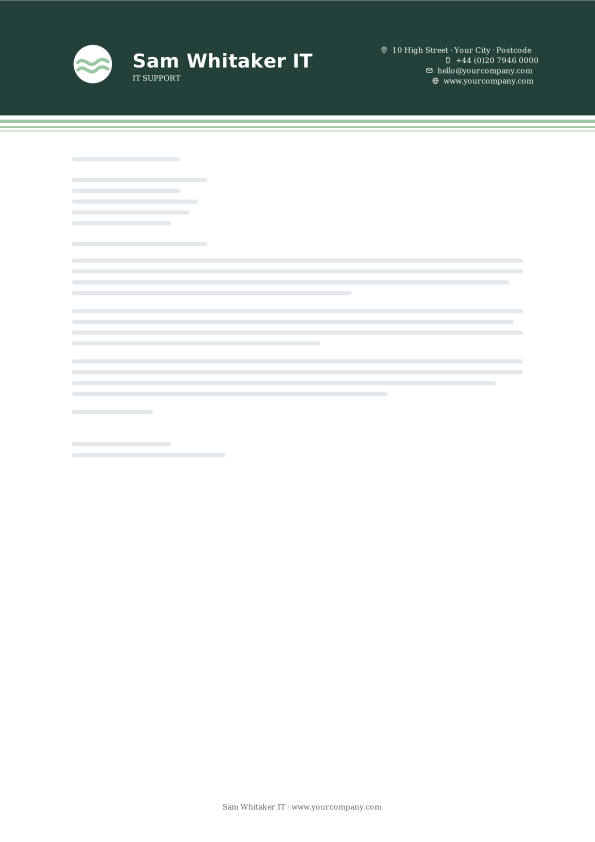
88. Spruce Ribbon Stripes
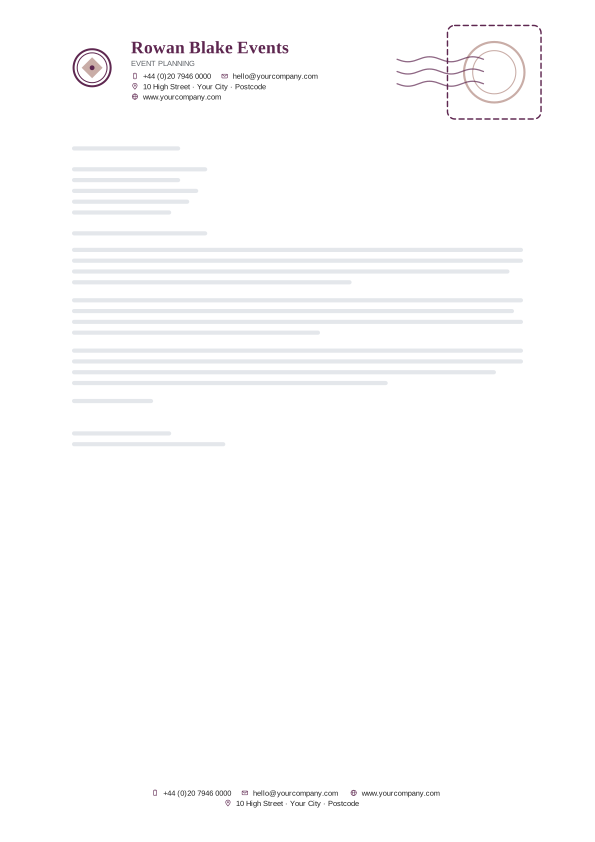
89. Mulberry Postmark
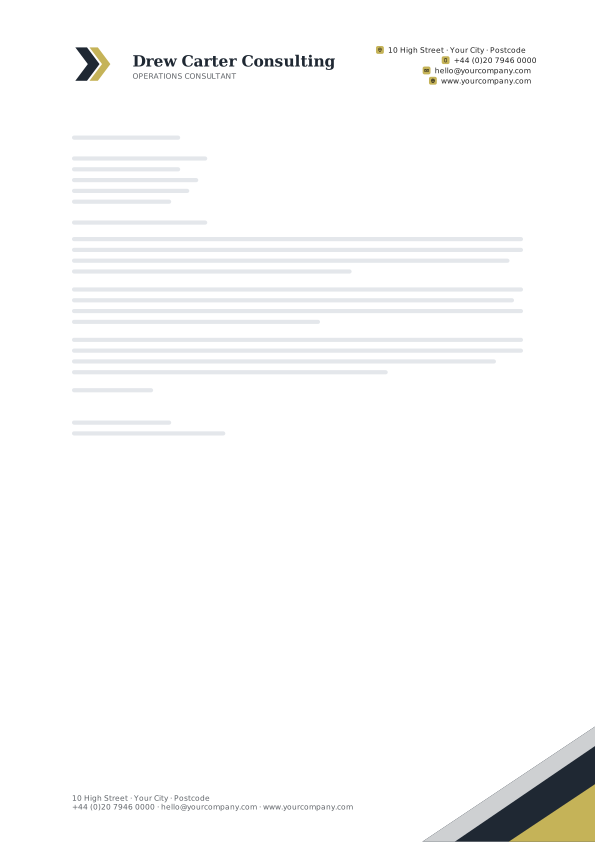
90. Midnight Sand Corner Footer
Hospitality & Retail letterhead templates
Warm, welcoming palettes for restaurants, cafés, hotels, boutiques and independent shops.
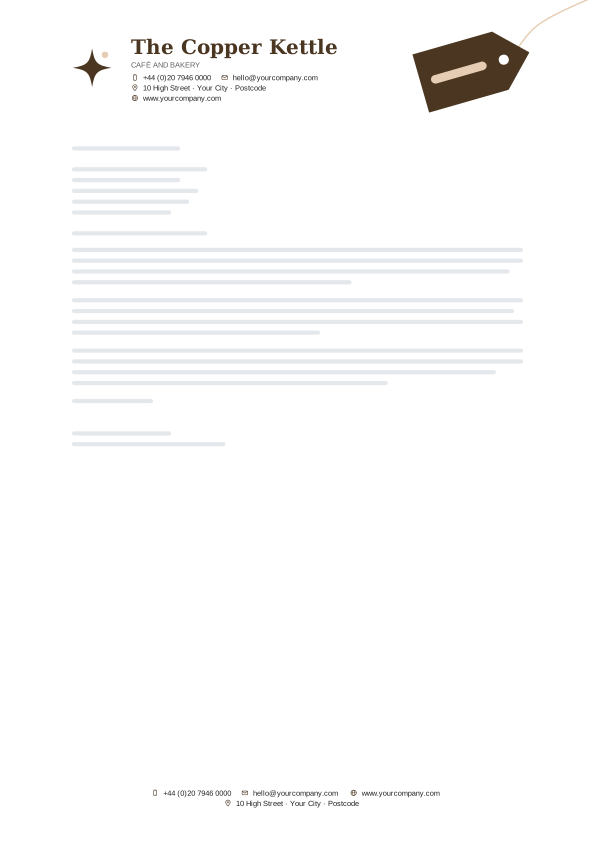
91. Espresso Cream Swing Tag

92. Bistro Green Hanging Tag
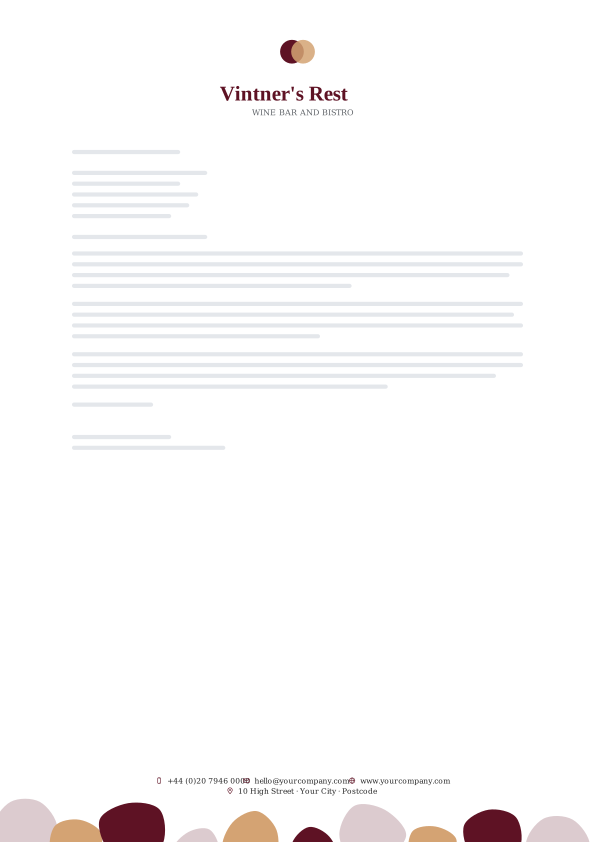
93. Wine Gold Pebbles
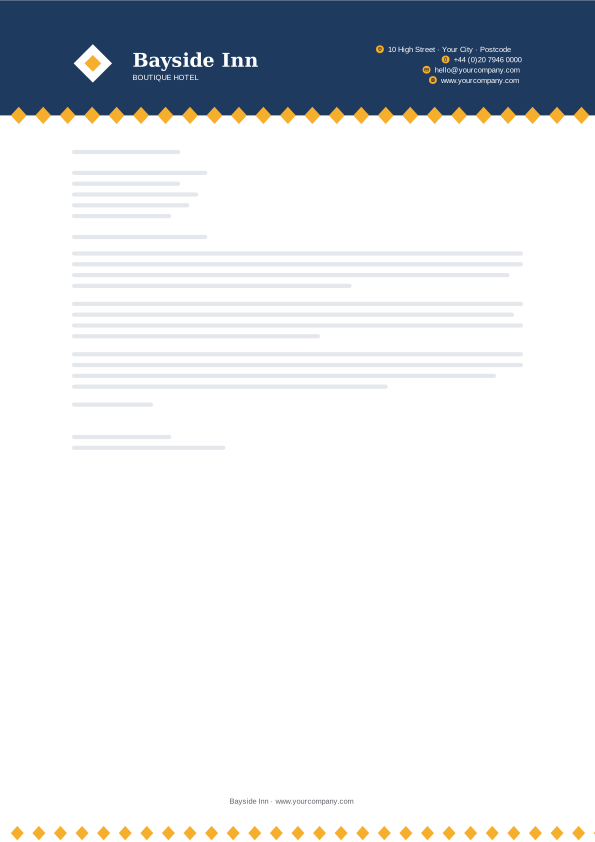
94. Citrus Navy Diamond Row
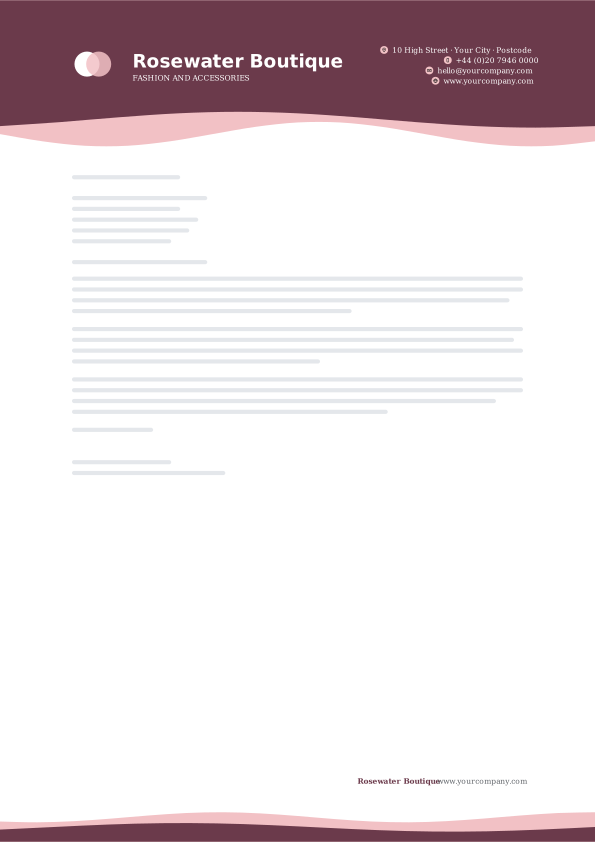
95. Boutique Blush Twin Tide

96. Coastal Teal Chevron Cut
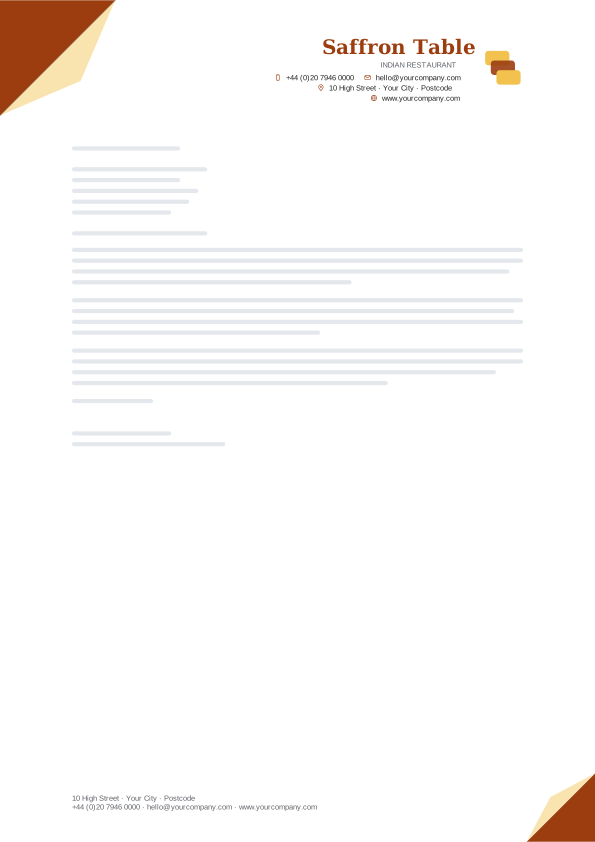
97. Spice Page Fold
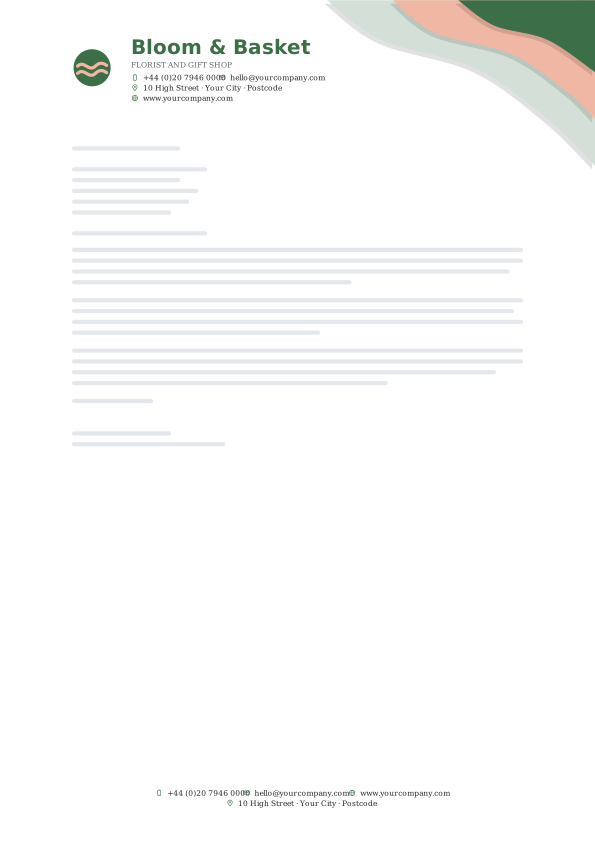
98. Garden Paper Cut
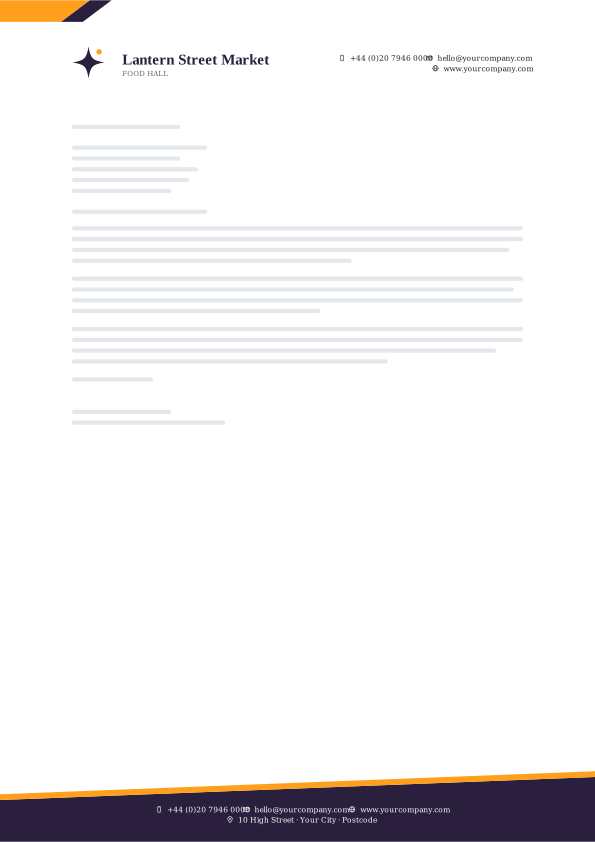
99. Night Market Slant Footer
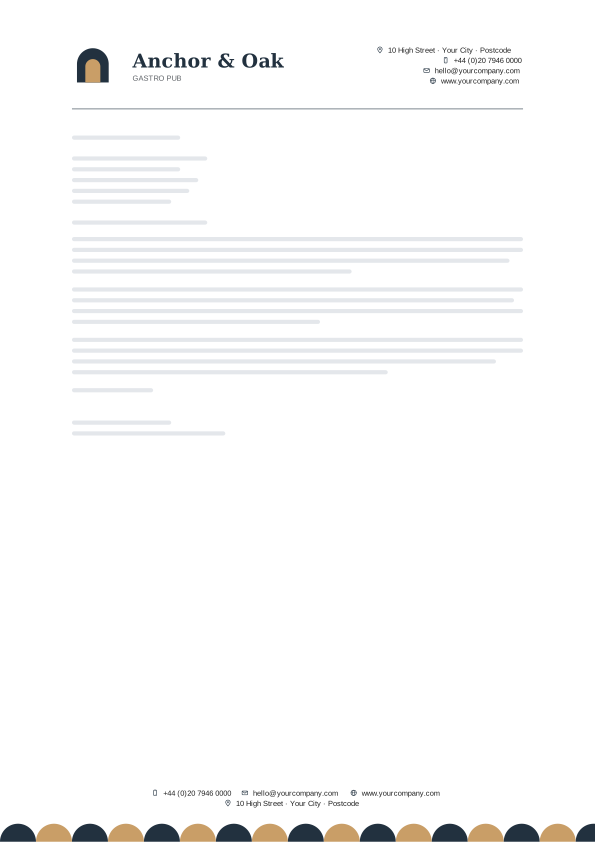
100. Harbor Rope Half Circles
How to choose the right letterhead layout
Start with how formal your letters are, not with colour. A law firm writing to a court and a café writing to a supplier need different levels of reserve, and the layout carries most of that signal. Colour is easy to change later; the structure is not.
| Design family | What it looks like | Works well for |
|---|---|---|
| Waves | Flowing wave bands and ribbons along the top or bottom edge. | Agencies, clinics, hospitality |
| Diagonals | Slanted cuts, ribbons and shards that give the page direction. | Agencies, finance, construction |
| Corner geometry | Triangles, folds and peaks anchored in a corner. | Construction, property, schools |
| Circles | Orbits, arches, bubbles and discs. | Wellness, creative studios, schools |
| Edge bars | Tabs, rails and bookmarks on the page edge. | Trades, finance, freelancers |
| Colour blocks | Split tones, cards, steps and solid fields. | Finance, agencies, property |
| Fine lines | Hairlines, sweeping strokes, grids and brackets. | Law, consultants, tech |
| Patterns | Dot grids, hexagons, diamonds, pinstripes and halftones. | Tech, creative studios, hospitality |
| Organic shapes | Blobs, leaves, ripples, soft glows and pebbles. | Wellness, florists, creative studios |
| Bauhaus shapes | Bold circles, squares and capsules in a modernist mix. | Agencies, design studios, retail |
| Ribbons and tags | Banners, swing tags, brush strokes and pointer bands. | Retail, schools, restaurants |
| Classic rules | Crests, seals, ornaments and engraved double rules. | Law firms, notaries, accountants |
| Gradients | Smooth colour fades, aurora strips and duotone shards. | Tech, agencies, wellness |
| Frames and panels | Outlined windows, solid panels, stamps and folder tabs. | Finance, clinics, freelancers |
| Footer-led | A quiet header with the design weight in the footer. | Schools, clinics, consultancies |
| Typographic | Large initials, stacked capitals, monograms and signature names. | Freelancers, law, creative studios |
| Shards and polygons | Low-poly facets, crystals, arrowheads and pentagons. | Tech, agencies, construction |
| Stripes | Tri-stripes, racing stripes, barcodes and hatching. | Finance, tech, trades |
| Layers | Stacked cards, layered corners and paper-cut depth. | Agencies, retail, property |
| Curves and arcs | Swoops, crescents, loops and concentric arcs. | Wellness, creative studios, freelancers |
Two practical checks before you commit. First, print one page in black and white: if the name and contact details are still easy to read, the design will survive a cheap office printer and a fax-quality scan. Second, look at the header at the size of a phone screen, because most letters now arrive as a PDF attachment and get opened on a phone first.
How to use a letterhead template in Microsoft Word
- Download the A4 or US Letter .docx file from the card you like and open it in Word.
- Double-click the header area at the top of the page. The letterhead lives in the header and footer, so this is where you edit it.
- Replace the company name, tagline, address, phone, email and website. To add your logo, right-click the sample logo and choose Change Picture › From a File; it keeps the same size and position. Keep the logo around 1.5 cm (0.6 inch) tall.
- Double-click the body of the page to leave the header, then delete the sample letter and write your own.
- Save a master copy: File › Save As, then choose Word Template (*.dotx). Next time, open File › New › Personal and pick your letterhead, and Word starts a fresh copy so the original stays clean.
Sending the letter by email? Use File › Save As › PDF (or File › Export on a Mac) so the fonts and colours look the same on the reader’s screen as they do on yours.
How to open a letterhead template in Google Docs and make a copy
- Download the .docx file to your computer.
- Go to Google Drive and choose New › File upload, then pick the file.
- Double-click the uploaded file and click Open with Google Docs at the top of the preview.
- Choose File › Save as Google Docs. This turns the Word file into a native Google Doc, which is easier to edit and share.
- Click into the header and replace the details. To add your logo, click the sample logo, then choose Replace image › Upload from computer from the image menu.
- Treat this file as your master. Before each new letter, use File › Make a copy, rename the copy and write in that one.
The text in every template sits in ordinary header and footer tables with fonts Google Docs already has, so it stays editable. The artwork is a picture placed behind the header or footer and pinned to the page edge. After you open a file in Google Docs, glance at the top and bottom of the page: if a shape has moved, click it, choose Behind text in the image toolbar and drag it back to the edge.
Make the template yours: logo, colours and fonts
- Logo: a PNG with a transparent background looks best on coloured bands. If yours has a white box around it, run it through the free background remover first.
- Colours: text colours change from the font colour button in Word or Google Docs. The shapes are a picture, so the quickest way to match your brand is to pick a design whose palette is close; for an exact match, the free letterhead maker builds a header in your own colours.
- Fonts: stick to fonts that both Word and Google Docs have, or your letterhead will change when someone else opens it. The fonts used here were picked for that reason.
- Contact QR code: a small vCard QR code in the footer lets people save your details in one scan. Make one with the free QR code generator and paste it into the footer.
- Matching documents: use the same colours and logo on your invoices so everything you send looks like one company. The free invoice generator takes your logo and brand colour.
What a business letterhead should include
Keep it to what the reader needs to identify you and reply: your logo or name, a postal address, one phone number, one email address and your website. In some places the law asks for more on business letters. Companies in the UK and the EU, for example, usually have to show their registered name, company number and registered office. That’s why the A4 templates leave a line in the footer for registration details. Check the rules where your business is registered.
If you print rather than email, most letterhead is printed on 90 to 100 gsm paper (about 24 lb bond in the US), a little heavier than everyday copy paper. Most designs run their artwork to the edge of the page. An ordinary office printer leaves a narrow unprinted border of about 4 to 6 mm, so the outer edge of the artwork is trimmed slightly, which the designs allow for. For a true edge-to-edge finish, save the letter as a PDF and have a print shop run it.
Minimal letterhead styles that age well
The designs that stay in use for years share a few habits, and every template here follows them. The artwork lives at the edges, in a corner, a band or the footer, so the middle of the page belongs to the letter. Each design uses one main colour and one accent, never a rainbow. Contact details sit together in one block or one line, and the name is the largest thing on the page apart from the artwork.
Current letterhead design leans towards organic waves, layered shapes, soft gradients and bold geometric corners, and you will find all of those above. If your letters are formal, the classic rules, frames and typographic designs carry the same quality with less colour. Whatever you pick, print one page in black and white before you commit: if the name and contact details are still easy to read, the design works.
Want a letterhead built around your own logo?
Upload your logo, pick one of six layouts and download a print-ready PDF, a PNG or an editable Word template. It runs in your browser, supports right-to-left languages and has nothing to sign up for.
Open the free letterhead makerFrequently asked questions
How do I add my logo to a letterhead template in Word or Google Docs?
Every template has a sample logo in the header. In Word, double-click the header, right-click the sample logo and choose Change Picture, then From a File; your logo takes the same size and position. In Google Docs, click the sample logo and choose Replace image, then Upload from computer. A logo about 1.5 cm (0.6 inch) tall keeps the header balanced, and a transparent PNG looks best when the logo sits on coloured artwork.
How do I show the letterhead on the first page only?
Turn on a different first-page header. In Word, double-click the header and tick Different First Page on the Header & Footer tab. In Google Docs, click into the header, open Options, then Header format, and tick Different first page. Make sure the full letterhead sits in the page 1 header and that the header on page 2 is empty or holds only your name and a page number. If page 1 goes blank after you tick the box, copy the design back into it.
Can I change the colours and fonts of a letterhead template?
Yes. Every template is a normal editable document. Select any text in the header or footer and change its colour or font from the toolbar. The decorative shapes are a picture behind the text, so you can move, resize or delete them, and the easiest way to match your brand colours is to choose a design with a similar palette. Stick to fonts that both Word and Google Docs have, such as Arial, Georgia, Calibri or Cambria, so the letterhead looks the same on every computer.
Are these letterhead templates free for commercial use?
Yes. Use them for your business letters, quotes and notices with no fee and no credit line. The only thing we ask is that you don’t resell the template files or upload them to another template site.
Next steps
Download a template, add your details once and save it as your master copy. If none of the 100 fits, the free letterhead maker lets you build one around your own logo, and it can export the same design as a PDF, a PNG or a Word file.