
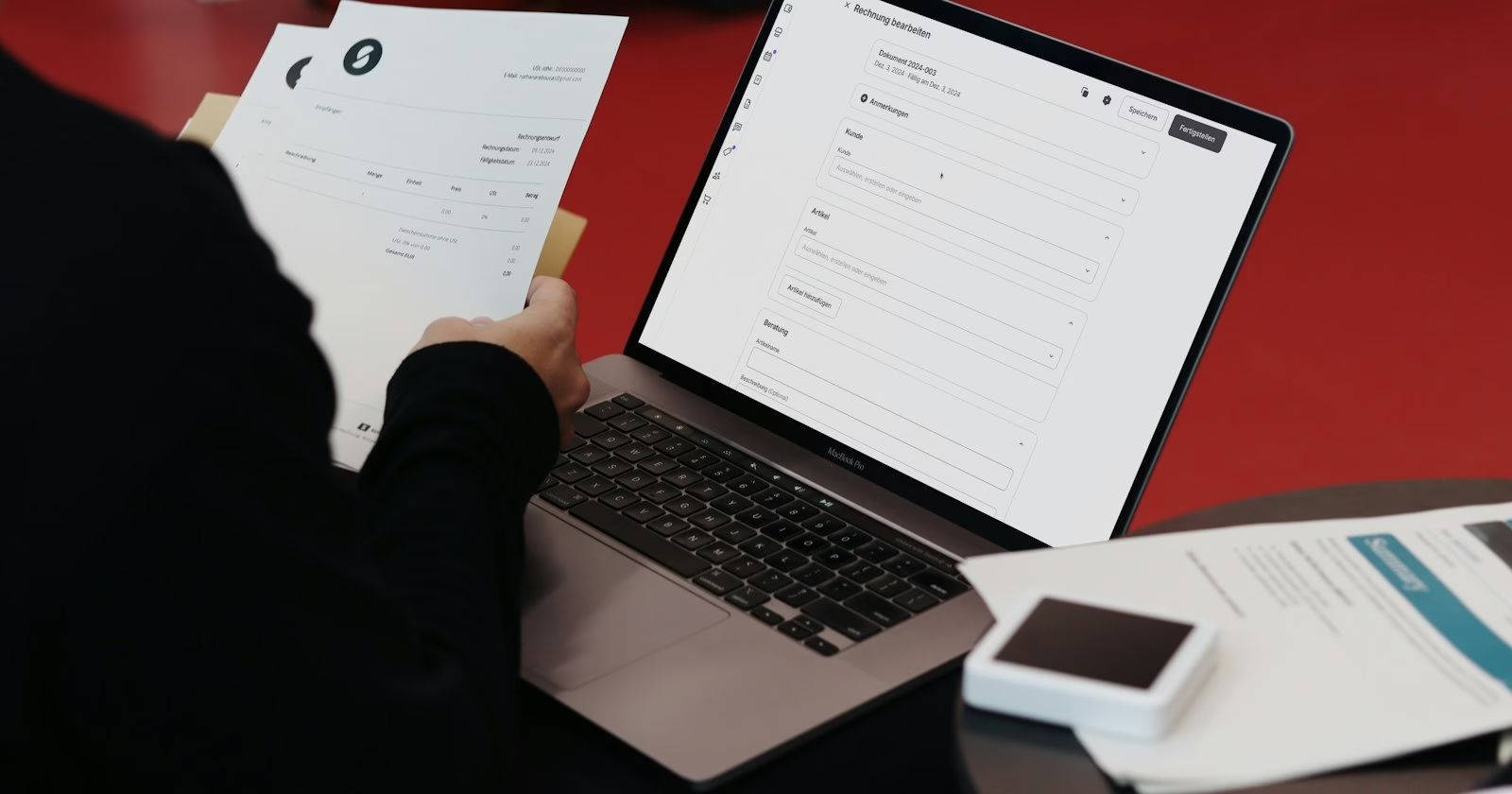
To invoice as a freelancer, send your client a document that shows your details and theirs, a unique invoice number, the invoice date, a clear description of the work and its price, the total due, the due date and how to pay you. You can make one in a few minutes with our free invoice generator, which works in your browser and doesn’t need an account. This guide explains what to include, how to write each part, and how to get paid on time.
What a Freelance Invoice Needs to Include
Clients pay invoices faster when they don’t have to ask questions. Whether you’re a designer, writer, developer or photographer, every freelance invoice should show:
- Your name or business name, address, email and phone number.
- Your client’s name or company and their billing address.
- A unique invoice number that follows a consistent sequence.
- The invoice date and the due date, or payment terms such as Net 14.
- An itemized list of the work, with quantities (hours, days or deliverables) and rates.
- The subtotal, any tax or discount, and the total due.
- How to pay you: bank details, a payment link or the payment methods you accept.
- Your tax or VAT number, if you’re registered for one.
A project name or the client’s purchase order (PO) number is also worth adding. Larger companies often can’t approve an invoice without one, so ask for it before you send your first bill.
Doing trade or construction work? Our contractor invoice guide covers labor, materials, deposits and progress billing.
How to Invoice as a Freelancer in 7 Steps
1. Agree on your rate and payment terms before you start
Most invoicing problems start before the work does. Confirm in writing, even by email, how you’ll charge (hourly, per day or a fixed project fee), when you’ll invoice, how long the client has to pay, and whether you need a deposit. When the invoice matches what was agreed, it gets approved without back-and-forth.
2. Pick an invoice numbering system
Use a simple sequence that never repeats, such as INV-0001, INV-0002 and so on. Some freelancers add the year (2026-014) or a client code (ACME-003). The format matters less than consistency: unique numbers make it easy to match payments to invoices and keep your records tidy at tax time. Our invoice generator suggests the next number in your sequence automatically.
3. Add your details and your client’s
Put your name or business name, contact details and logo at the top, then your client’s legal or company name and billing address. Double-check who should receive the invoice. At agencies and larger companies, the person who hired you is often not the person who pays you, and an invoice sent to the wrong inbox can sit unpaid for weeks.
4. Describe the work clearly
Each line should say what you delivered in words your client will recognize. “Design work” invites questions; “Homepage and 3 inner page designs, 2 revision rounds” doesn’t. If you bill by the hour, list the hours for each task or each week. If you charge a fixed fee, name the deliverable or the project milestone the payment covers.
5. Add tax only if it applies to you
Whether you charge sales tax, VAT or GST depends on where you and your client are based, what you sell, and whether you’re registered with your tax authority. If you aren’t registered, don’t add tax to your invoice. If you are, show the tax rate and amount and include your registration number. When you’re unsure, check your tax authority’s guidance or ask an accountant before you send the invoice.
6. Set a due date and make paying easy
Write an actual due date, not just “Net 30”, so there’s no doubt about when payment is expected. Then remove every obstacle to paying: include your bank details or a payment link, and consider adding a QR code that opens your PayPal.Me, Stripe or Wise payment page. You can add a payment QR code to your invoice by pasting your payment link into our generator.
7. Send it as a PDF and follow up
Send your invoice as a PDF so the layout looks the same on every device and can’t be edited by accident. Use a clear email subject such as “Invoice INV-0012 from Your Name, due 15 October”, and attach the file rather than linking to it. Put a reminder in your calendar for the due date so you notice straight away if it isn’t paid.
Hourly vs. Project-Based Freelance Invoices
How you lay out your invoice depends on how you charge. Here’s what to list for each approach:
| Billing method | Best for | What to list on the invoice |
|---|---|---|
| Hourly or daily | Ongoing work, changing scope, support and maintenance | Each task or week, the hours or days worked, your rate and the line total |
| Fixed project fee | Clearly defined deliverables such as a logo or a website | The project or deliverable name, what it includes, and the fee |
| Milestone payments | Longer projects | The milestone reached (for example “Design approved, 40% of project fee”) and the amount due now |
| Monthly retainer | A set amount of work each month | The retainer period, what it covers, and any extra hours billed on top |
Freelance Invoice Example
Here’s how the line items might look for a freelance web designer billing a fixed-fee project with some extra hourly work. The prices are examples only.
| Item | Quantity | Rate | Amount |
|---|---|---|---|
| Website design: homepage and 3 inner pages (fixed fee) | 1 | $1,200.00 | $1,200.00 |
| Extra revisions beyond the 2 included rounds (hours) | 2 | $60.00 | $120.00 |
| Stock photo licences | 3 | $15.00 | $45.00 |
| Total due | $1,365.00 | ||
You don’t have to build this layout from scratch. Open the freelance invoice template in our generator, replace the example lines with your own, and download the PDF.
When to Send Your Invoice
- Small, one-off jobs: send the invoice as soon as you deliver the work, while it’s fresh in your client’s mind.
- Larger projects: ask for a deposit before you start, then invoice at agreed milestones rather than waiting until the end.
- Hourly or retainer work: invoice on a fixed schedule, such as the first working day of each month, so your client knows when to expect it.
What to Do When a Client Pays Late
Late payments are usually caused by a missing detail or a busy inbox, not bad intentions. Work through these steps calmly:
- On the due date, send a short, friendly reminder with the invoice attached again.
- About a week later, follow up and ask whether anything is holding the payment up, such as a missing PO number or the wrong contact.
- If there’s still no reply, call or message your main contact and agree on a payment date.
- Only charge a late fee if you agreed one in advance, and check the rules where you work: some countries set a statutory rate for late payments between businesses.
Pausing further work until an overdue invoice is paid is reasonable, but say so politely and in writing before you do it.
Common Freelance Invoicing Mistakes
- Vague descriptions that force your client to ask what they’re paying for.
- No due date, which quietly turns “pay soon” into “pay eventually”.
- Reusing or skipping invoice numbers, which makes your records hard to follow.
- Missing payment details, so the client has to write back before they can pay.
- Waiting weeks to invoice after the work is finished.
- Not keeping a copy of every invoice you send. Save the PDF with the invoice number in the file name.
Frequently Asked Questions
Do I need a registered business to invoice as a freelancer?
In many countries you can invoice clients under your own name as a sole proprietor or sole trader. You may still need to register with your tax authority once you start earning, so check the rules where you live.
What payment terms should freelancers use?
Many freelancers use Net 14 or Net 30, meaning payment is due 14 or 30 days after the invoice date. Shorter terms, or “due on receipt”, suit small jobs and new clients. Whatever you choose, agree on it before you start and write the exact due date on the invoice.
Should I ask for a deposit?
For larger projects and new clients, a deposit before you start is common and protects you if the project is cancelled. Invoice the deposit separately, then record it as a payment on the final invoice so the balance due is correct.
Can I make a freelance invoice for free?
Yes. Our invoice generator is free, needs no sign-up, and lets you download a PDF with your logo, taxes, discounts and a payment QR code. Your invoices are saved in your browser so you can reuse your details next time.
Create your first freelance invoice now
Add your logo and details, list your work, and download a professional PDF in a few minutes. Free, no sign-up.
Open the free invoice generator