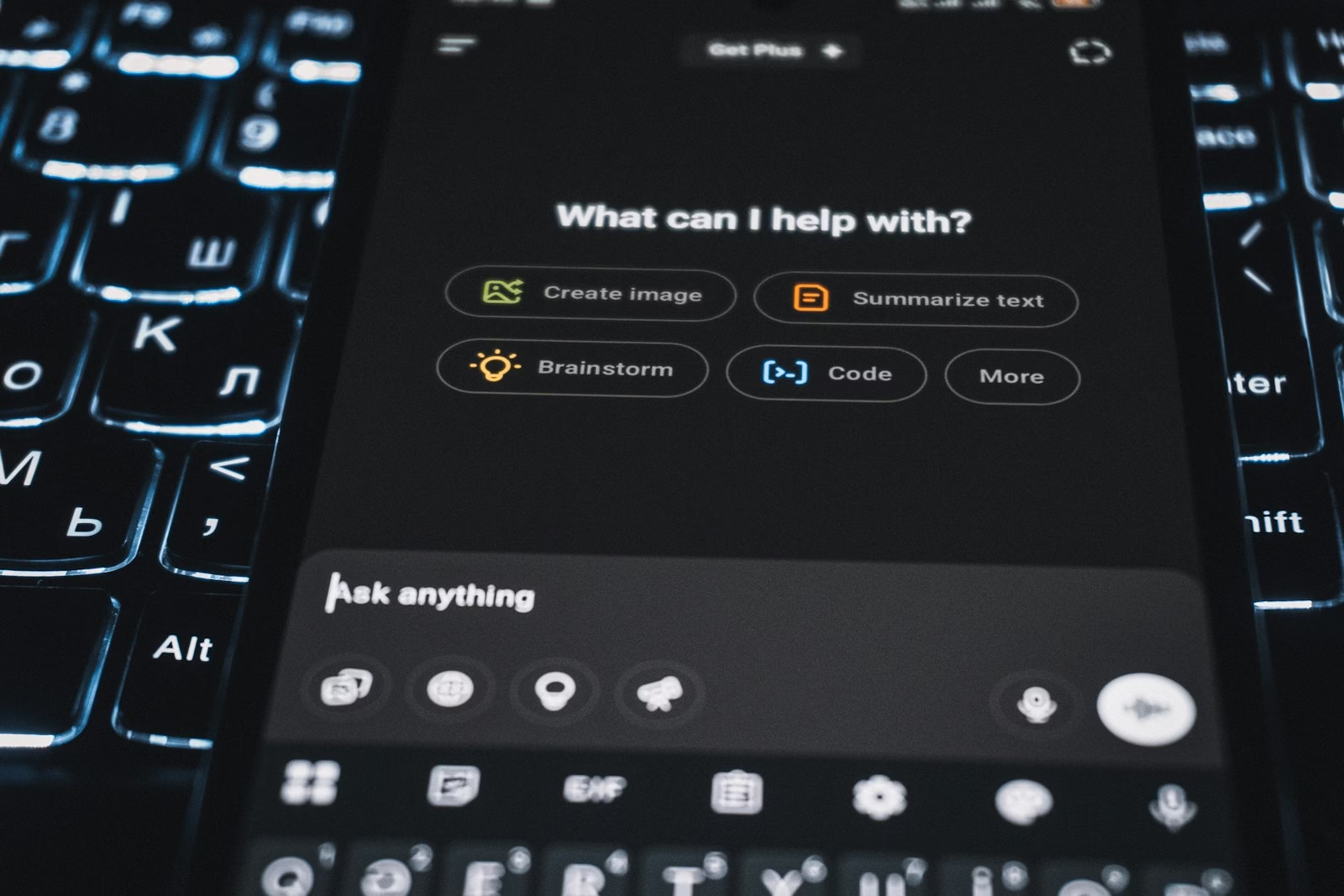
What are ChatGPT ads, and can your brand buy them today?
ChatGPT ads are sponsored placements shown below ChatGPT answers to logged-in adult Free and Go users in supported markets. Brands buy them through OpenAI’s self-serve Ads Manager beta, paying per impression or per click, if their billing entity sits in an eligible country.
In this guide
Key Takeaways
- ChatGPT Ads is still in beta. Ads sit below the answer, carry a sponsored label and reach only logged-in adult Free and Go users. Plus, Pro, Business, Enterprise and Edu plans are ad-free.
- Self-serve buying runs through Ads Manager at ads.openai.com, but only when the legal entity you bill is in a country OpenAI lists as available.
- With ChatGPT ads you pay per impression or per valid click, never per conversion. The standard US minimum daily budget is $25, and OpenAI suggests a $3-$5 starting maximum CPC.
- Targeting uses context hints written in plain language, not keywords, so your landing page and copy carry much of the relevance signal.
- Paid placement and organic visibility are separate. GEO work (crawlable pages, direct answers, structured data) is what earns mentions inside ChatGPT’s answers.
Step 1: Check whether you can advertise on ChatGPT from your country
Eligibility depends on two separate things: where your audience is and where your billing entity is registered. ChatGPT ads only show in markets where OpenAI has launched them, and self-serve access only opens to advertisers billed in listed countries.
OpenAI began testing ads in the US on February 9, 2026, for logged-in adult users on the Free and Go plans. It added pilots in Canada, Australia and New Zealand on March 26, and on August 11 it launched ChatGPT Ads in the UK, Mexico, Brazil, Japan and South Korea, according to its announcement on testing ads in ChatGPT. A focused pilot ran from February to April, followed by self-serve onboarding.
Advertiser eligibility is a different list. OpenAI’s Ads Manager availability page says the legal entity that advertises and is billed must be in an available country. As of October 2026 that list includes the US, UK, Canada, Australia, New Zealand, India, Japan, South Korea, Singapore, Brazil, the UAE, Saudi Arabia and many EU countries. Pakistan is not listed. Advertisers in unlisted countries can still sign up and will be notified when access opens, and larger advertisers can contact the OpenAI Ads team. Check the page itself before planning, because the list changes.
| ChatGPT account type | Can see ads? |
|---|---|
| Free (adult, logged in) | Yes, in launched markets |
| Go (adult, logged in) | Yes, in launched markets |
| Plus and Pro | No |
| Business, Enterprise and Edu | No |
| Accounts identified as under 18 | No |
OpenAI also states that ChatGPT ads are not eligible to appear near sensitive or regulated topics such as health, mental health or politics. If your brand sells in those categories, plan for organic visibility first (Step 7), because your paid reach may be very limited. Users can also manage ads in ChatGPT through Settings > Ad Controls, where they can turn off personalization, dismiss ads, see why an ad was shown and clear ad data.
Step 2: Make your landing pages crawlable for OpenAI’s bots
Before any of your ChatGPT ads pass review, OpenAI’s ad crawler must be able to load the landing page. Blocking it by accident is one of the easiest ways to stall a launch.
OpenAI’s guidance on allowing OpenAI web crawlers says OAI-AdsBot is required for ad review and OAI-SearchBot is recommended. Add explicit allow rules to your robots.txt file:
User-agent: OAI-AdsBot
Allow: /

User-agent: OAI-SearchBot
Allow: /
robots.txt is only half the job. Firewalls, CDN bot rules and CAPTCHAs can return 403 errors to the crawler even when robots.txt allows it. OpenAI publishes the crawler IP ranges at openai.com/adsbot.json and openai.com/searchbot.json, so your host or security team can allowlist them. Cloudflare verifies and allowlists OAI-AdsBot, but custom firewall rules layered on top can still block it. Our guide to technical SEO basics explains how to test crawl access and read server errors.
- Open the landing page in a private browser window and confirm there is no login wall, age gate or interstitial.
- Search your firewall and CDN logs for the OAI-AdsBot user agent and any 403 responses.
- Make sure the main copy renders without heavy client-side scripts, so the crawler reads the same message a visitor does.

Step 3: Create your OpenAI Ads Manager account
To advertise on ChatGPT, go to ads.openai.com, sign in with an OpenAI account and fill in the account details carefully, because some settings are permanent. The steps below follow OpenAI’s Ads Manager account setup guide.
- Open ads.openai.com and choose Login or Sign up with your OpenAI account.
- Pick a path: enter your website URL so Ads Manager drafts a first ad and campaign from it, or skip straight to Ads Manager.
- Choose the country or region, currency and time zone. These cannot be changed after the account is created, so match them to the legal entity that will pay.
- Enter the advertiser name. It fills Account Name, Brand Name (the name shown on your ads) and Legal Name; edit any of them later in Settings > General.
- Invite colleagues in Settings > Users with the Admin, Member or Viewer role.
- Add a credit card and a billing profile. Campaigns do not deliver until billing is set up.
Creating the account means agreeing to the Terms and Privacy Policy shown at signup, so the person authorized to accept terms for your business should complete it. Billing is postpay: self-serve card accounts are charged when unpaid spend reaches an assigned payment threshold, and that threshold is not a spend cap. Adding a card may also place a temporary authorization hold.
Step 4: Choose an objective, budget and bid
Pick the objective that matches what you will measure, then set a daily budget and an ad-group maximum bid. You are billed per impression or per valid click, depending on the objective.
ChatGPT ads are selected through a relevance-weighted, second-price auction. Selection looks at the context and intent of the current conversation, your landing page, title, copy and context hints, plus select signals from the user’s broader ChatGPT experience when ads personalization is on. A close match between conversation, copy and page matters alongside your bid.
| Objective | Bid type | What you are billed for |
|---|---|---|
| Views | CPM | Every 1,000 impressions |
| Clicks | CPC | Each valid click |
| Conversions | oCPC or oCPM | Valid clicks (oCPC) or 1,000 impressions (oCPM), never per conversion |
The maximum bid is set at the ad-group level, and OpenAI recommends starting CPC campaigns at $3-$5 USD per click. OpenAI also says there are no ChatGPT ads performance benchmarks yet across advertisers or industries, so treat any CTR or CPC figures you read elsewhere as anecdotal, not as a forecast for your account.
These rules from OpenAI’s daily budgets help page are the ones most likely to surprise you:
- The daily budget is an average over seven days. A single day can bill up to 2x the daily budget, but a week never more than 7x.
- The budget week runs Sunday to Saturday in your account time zone.
- The standard US minimum daily budget is $25 USD; other markets and currencies have their own minimums.
- A campaign-total budget can be switched to a daily budget, but not back.
Step 5: Build the campaign, ad groups and context hints
A ChatGPT Ads account is organised in three layers: campaign, ad group and ad. Context hints, added at the ad-group level, tell the system which conversations your ad fits.
- Campaign: objective, budget, dates and countries, plus optional platforms and custom audiences.
- Ad group: one theme, its context hints and the maximum bid.
- Ad: title, copy, image and landing page.
You can build campaigns through guided creation or bulk upload, though bulk upload does not support product-feed campaigns. Every campaign is reviewed before it serves. On your first campaign, start and end dates may only become editable after publishing, so do not publish early just to reach the date settings. If you already run search campaigns, the habit of tight, single-theme ad groups transfers well; our Google Ads management service uses the same structure.
How to write context hints
In ChatGPT ads, context hints are natural-language phrases that describe what you offer, who it is for and when they need it. OpenAI’s own example is “cushioned everyday running shoes for beginners training for their first 5K”. Hints are not exact-match keywords or targeting rules, and they cannot enforce geography, schedules or exclusions; set countries and dates in the campaign instead.
- Weak: “accounting software”. Stronger: “simple invoicing and expense tracking for freelancers who file their own taxes”.
- Weak: “SEO agency”. Stronger: “technical SEO help for Shopify store owners whose product pages are not getting indexed”.
Keep one theme per ad group so the hints, copy and landing page all describe the same need.

Step 6: Write the ads and set up tracking
For ChatGPT ads, write several distinct titles and descriptions per offering, point each ad at the most relevant page, and tag every destination URL with UTM parameters so ChatGPT traffic is identifiable in your analytics.
- Each ad shows your advertiser name, favicon, title, copy, image and landing page, labeled as sponsored and visually separated from the answer.
- Write multiple distinct title and copy variations for each offering, not small rewordings of one line.
- Keep copy benefit-focused and accurate; the landing page must support every claim.
- Link to the most relevant page, not a generic homepage.
- Use a simple image that matches the message.
The “Add new ad” suggestion pre-fills drafts from your website metadata and does not generate AI copy, so clean page titles and meta descriptions give you better starting drafts.
For tracking, use one consistent naming scheme, for example utm_source=chatgpt and utm_medium=paid, with the campaign and ad group in utm_campaign and utm_content. Our free UTM builder creates these links, and the sessions then appear in GA4 under Reports > Acquisition > Traffic acquisition. In Ads Manager, impressions, clicks and CTR refresh about every 15 minutes, but spend data can lag 7-8 hours. If you pick the Conversions objective, set up conversion measurement first and check OpenAI’s help centre for the currently supported methods.
Brands that advertise on ChatGPT receive only aggregated, non-identifying reporting. OpenAI does not share users’ chats or memories with advertisers, so plan your measurement around clicks and on-site behaviour.
Step 7: Earn organic ChatGPT visibility with GEO alongside ChatGPT ads
ChatGPT ads buy a labeled slot under the answer; they do not change the answer itself. To be mentioned or cited inside ChatGPT’s responses, your pages must be reachable by OAI-SearchBot and written so an AI system can quote them accurately.
That is why Step 2 allows OAI-SearchBot as well as OAI-AdsBot. This organic work is generative engine optimization (GEO), and it is the only option for brands outside eligible ad markets or in excluded topics.
- Allow OAI-SearchBot in robots.txt and at the CDN and firewall, as in Step 2.
- Open key pages with a direct answer to the question a buyer would ask, then add detail, comparisons and sources.
- Add structured data (Organization, Product, FAQPage where it matches visible content). Our free schema markup generator builds valid JSON-LD.
- Submit your XML sitemap in Bing Webmaster Tools and Google Search Console so new pages are discovered quickly.
- If you sell products, keep names, prices and availability identical across product pages and their structured data.
| Factor | ChatGPT Ads (paid) | GEO (organic) |
|---|---|---|
| Where it appears | Below the answer, labeled sponsored | Inside the answer or its cited sources |
| Who sees it | Adult Free and Go users in launched markets | Users on any plan who get a relevant answer |
| Cost model | CPM or CPC bidding | No media cost; content and technical work |
| Control | Copy, landing page, budget, context hints | Indirect: you can influence, not control |
| Sensitive topics | Not eligible near health, mental health or politics | No ad-policy exclusion |
Our GEO playbook covers content structure in depth, and our SEO, GEO and technical SEO service handles crawler access, structured data and answer-first content for brands that want help.

Why ChatGPT ads are not serving: common mistakes and fixes
Hover over a “Not serving” status in Ads Manager to see the reason. OpenAI lists pending review, an unverified account, a reached budget, a passed end date and billing issues as the usual causes.
- Stuck in review: check the ad and landing page against the OpenAI Ads Policies, and confirm OAI-AdsBot is not getting a 403 from your firewall or CDN.
- Billing not finished: campaigns do not deliver until a card and billing profile are added.
- Budget used up early: one day can bill up to 2x the daily budget, so a busy Monday can drain the week faster than expected.
- Wrong account settings: country, currency and time zone are fixed at signup, so confirm them before you create the account.
- Audience mismatch: if your buyers mostly use Plus, Pro or Business plans, they will not see ads in ChatGPT at all.
- Hints written as keywords: two-word phrases give the system little context; describe the what, who and when.
- Homepage as landing page: a generic page weakens relevance in the auction and hurts conversion.
One more limit of ChatGPT ads today: Sponsored Agents, which let users chat with an AI representative of a business inside ChatGPT, are in a limited alpha for selected advertisers, and OpenAI is not accepting early access requests.
Next steps
If you can advertise on ChatGPT from your country, run a small test with one campaign, two or three ad groups and UTM-tagged landing pages before scaling. Whatever your ad eligibility, read these in order: our GEO playbook for 2026, then AI SEO tools for tracking how AI answers mention you, then technical SEO basics for crawl fixes.
Want the crawler, schema and content work done for you? See our SEO and GEO services or contact us at contact@softlearnhub.com.
Frequently Asked Questions
How much do ChatGPT ads cost?
There is no fixed price. Ads run on a relevance-weighted, second-price auction, billed per 1,000 impressions or per valid click. OpenAI recommends starting CPC campaigns with a $3-$5 maximum bid, and the standard US minimum daily budget is $25. Minimums vary by market and currency, and billing is postpay against a payment threshold.
Can I advertise on ChatGPT from Pakistan or India?
India is on OpenAI’s self-serve availability list as of October 2026; Pakistan is not. Availability depends on the country of the legal entity that is billed. Advertisers in unlisted countries can still sign up at ads.openai.com and will be notified when access opens. Meanwhile, organic GEO work is open to any brand.
Do Plus or Pro users see ads in ChatGPT?
No. ChatGPT ads are not shown on Plus, Pro, Business, Enterprise or Edu plans, or to accounts identified as belonging to users under 18. Only logged-in adult Free and Go users in launched markets can see them, and they can turn off personalization or dismiss ads in Settings > Ad Controls.
Can I target keywords with ChatGPT ads?
No. ChatGPT ads have no keyword match type. You add context hints at the ad-group level, written as plain-language phrases about what you offer, who it suits and when they need it. Hints guide relevance but are not targeting rules, so countries and start and end dates are set in the campaign settings instead.
Do advertisers see users’ ChatGPT conversations?
No. Advertisers get only aggregated, non-identifying reporting such as impressions, clicks and CTR. OpenAI does not share chats or memories with advertisers. Ad selection can use the current conversation’s context inside OpenAI’s systems, but that information is not passed to the brand running the ad.
Can paying for ChatGPT ads improve how ChatGPT answers mention my brand?
No. OpenAI keeps ads labeled and separate from the answer, and it states that ads do not influence ChatGPT’s responses. Being mentioned or cited inside answers depends on organic signals: crawlable pages that allow OAI-SearchBot, clear answer-first content, accurate structured data and a consistent brand presence across the web.