
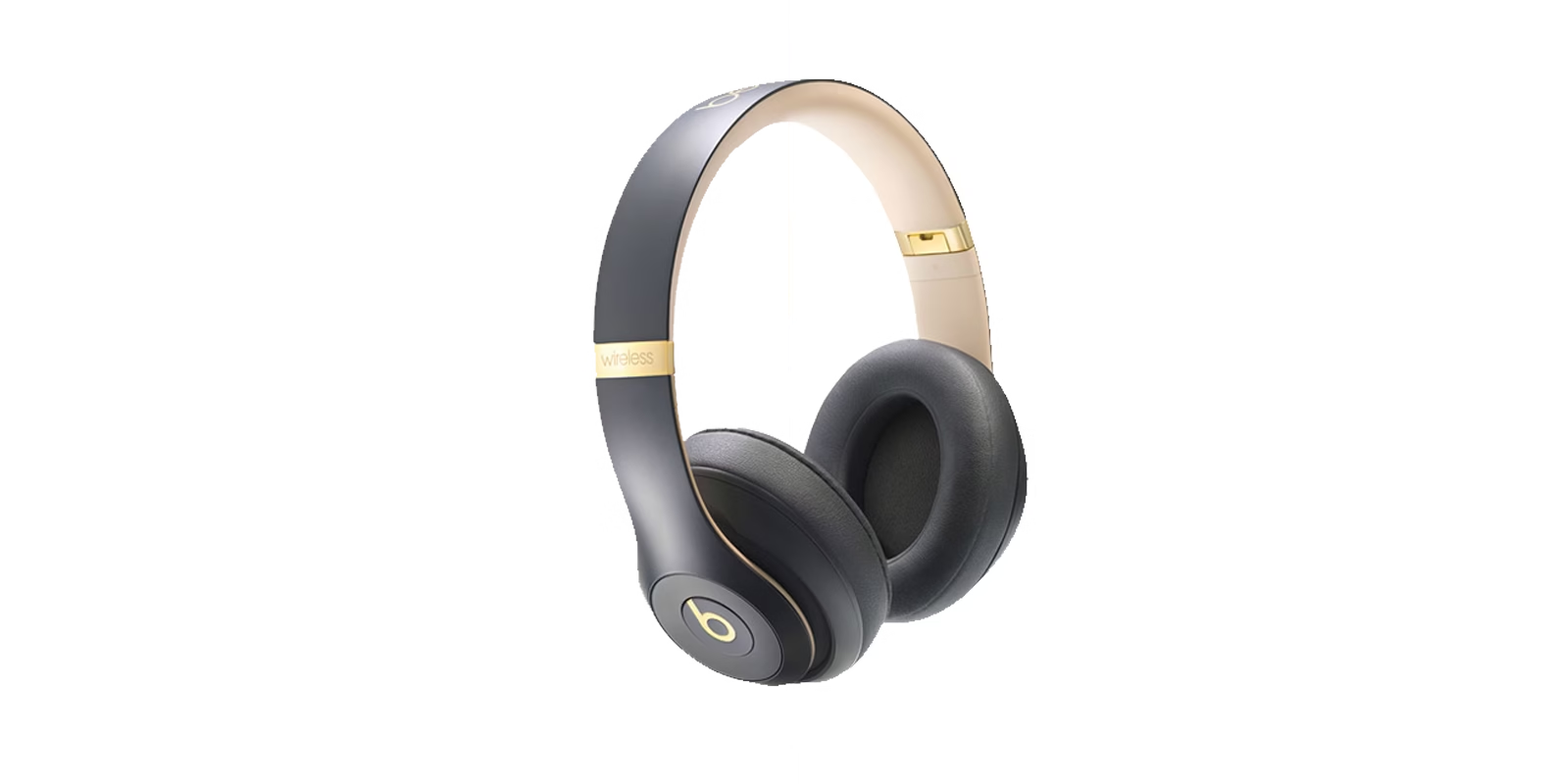
Remove the background from any image for free: upload a photo and the AI cuts out the subject in seconds, giving you a full-resolution transparent PNG. There’s no sign-up and no watermark, and your photo never leaves your device.
Watch first: remove a background in under three minutes
Drop up to 10 photos here, paste one with Ctrl+V, or
JPG, PNG or WebP, up to 25 MB each. You get a full-resolution result.
Starting…
The first image takes longer while the AI model downloads. After that it’s cached.
PNG keeps transparency. JPG is smaller and uses your background.
The AI can miss thin or low-contrast edges. Paint to restore parts it removed by mistake, or erase leftover background.
What is this background remover?
The Soft Learn Hub Background Remover is a free online tool that uses an AI image-segmentation model to separate the subject of a photo from its background and return a transparent PNG at the original resolution. It runs entirely in your web browser, so your image is never uploaded to a server, and you can also swap in a white, colored or blurred background before downloading.
- Price
- Free, no daily limit
- Account
- Not needed
- Input
- JPG, PNG or WebP up to 25 MB each, 10 at a time
- Output
- PNG or JPG at full resolution
- Privacy
- Processed on your device
How to Remove the Background From an Image
- Add your photo.
Drag it into the box above, click “Upload image”, or copy an image and paste it with Ctrl+V (Cmd+V on a Mac). JPG, PNG and WebP files up to 25 MB work.
- Let the AI do the cut-out.
The first time, your browser downloads the AI model, which can take a little while on a slow connection. It’s cached afterwards, so the next photos are much faster. Devices that support WebGPU process images faster still.
- Choose a background.
Keep it transparent, or switch to white, any color you like, or a blurred version of the original photo. Drag the slider to compare before and after.
- Touch up the edges if needed.
If the AI misses a thin strap or leaves a stray patch, use “Touch up edges” to restore or erase areas with a brush.
- Download it.
Save a PNG to keep transparency, or a JPG for a smaller file with your chosen background. The download matches your original image size.
Why Use This Instead of a Paid Background Remover
remove.bg is a genuinely good tool, and AI-based background removal is now the standard approach. This tool uses the same category of AI image-segmentation model to get comparable results. The difference is what happens after processing: remove.bg’s free tier gives you a preview capped at roughly 625 × 400 pixels and puts the full-resolution download behind paid credits. This tool doesn’t:
- Full resolution, every time. Your download matches your original image’s dimensions.
- No credits and no daily limit. Process as many photos as you need.
- No watermark. The output is a clean image with nothing stamped on it.
- New backgrounds built in. Swap in white, a brand color or a blurred background without opening an editor.
- Nothing leaves your device. The AI runs in your browser, so your photos are never sent to or stored on a server.
Remove a White Background From an Image
A flat white or solid-color background is one of the most common things people need to remove: product photos shot on a white sweep, ID-style headshots or old catalog images. You don’t need a separate tool for this. The same background remover works whether the background is plain or busy, because the AI detects the subject and clears everything around it in one pass.
If you want a plain background back instead of transparency, choose White or pick a color before you download. For marketplace or passport photos with specific rules, see our guide to changing a photo’s background color.
What You Can Use a Transparent Background For
- Product photos: place items on a white or branded background for a store listing or ad.
- Profile pictures and headshots: swap a cluttered background for something clean before uploading to LinkedIn or a team page.
- Logos: remove a white box from a logo file so it sits properly on any color.
- Presentations and slides: drop a cut-out photo straight onto a branded slide.
- Thumbnails and social graphics: isolate a subject to place over a custom background.
Related Guides
- How to make a background transparent for free
- How to change a photo’s background color
- Best free background remover tools compared
- How to remove a background from a logo, GIF or PNG
Need a transparent logo for your stationery? Remove its background here, then use the transparent logo in the free letterhead maker to build a letterhead around it.
Frequently Asked Questions
What is the best free background remover with no sign-up and no watermark?
The right tool depends on your photos, but this one meets all three conditions: it is free and unlimited, needs no sign-up and adds no watermark. It runs an AI model in your browser, so photos stay on your device, and the transparent PNG download matches your original resolution. To compare it with other free tools, see our free background remover comparison.
Is this background remover really free and unlimited?
Yes. There’s no daily cap, no credit system and no account. The AI runs on your own device instead of a paid server, which is what lets it stay free.
Will I lose image quality or resolution?
No. The download matches your original image’s resolution. There’s no forced downscaling like the free tiers of some other background removers.
Do I need to create an account or install software?
No. It works directly on this page in any modern browser, including Chrome, Edge, Firefox and Safari.
What formats can I upload and download?
Upload JPG, PNG or WebP files up to 25 MB. Download a PNG to keep the transparent background, or a JPG with a white, colored or blurred background.
Can I remove the background from several photos at once?
Yes. Select or drop up to 10 photos at a time, each up to 25 MB. They’re processed one after another on your device, the thumbnails let you check each result, and Download all (ZIP) saves every photo with the background and format you picked.
Is my photo uploaded to a server?
No. The AI model downloads to your browser once. After that, every photo is processed locally on your device and is never sent to or stored by us.
Does it use real AI or just a color-key trick?
It uses a real AI image-segmentation model, not a color key. It detects hair, fine edges and semi-transparent areas, which is why it handles busy photos as well as plain backgrounds.
Looking for more free tools? Try the invoice generator or browse all our free tools, read our design tutorials, or see how our design and marketing services can help.