How to Make a Wireframe in Figma (Step by Step)
Learn how to make a Figma wireframe in 10 steps: frames, layout guides, auto layout, wireframe kits, plugins and prototypes. Start your first one today.

UI/UX design guides centred on Figma: wireframing, auto layout, components and variants, tables, prototypes and developer handoff. Alongside the step-by-step tutorials you will find articles on design trends, accessibility basics such as contrast and focus states, and brand consistency across a product.
The aim is practical: designs that are fast to build, easy to maintain and comfortable to use on every screen size. Each tutorial shows the exact Figma panels and settings involved, so you can follow along in your own file.
Need a website or app designed? Our Figma UI/UX design service takes you from wireframes to a tested prototype and a clean developer handoff.
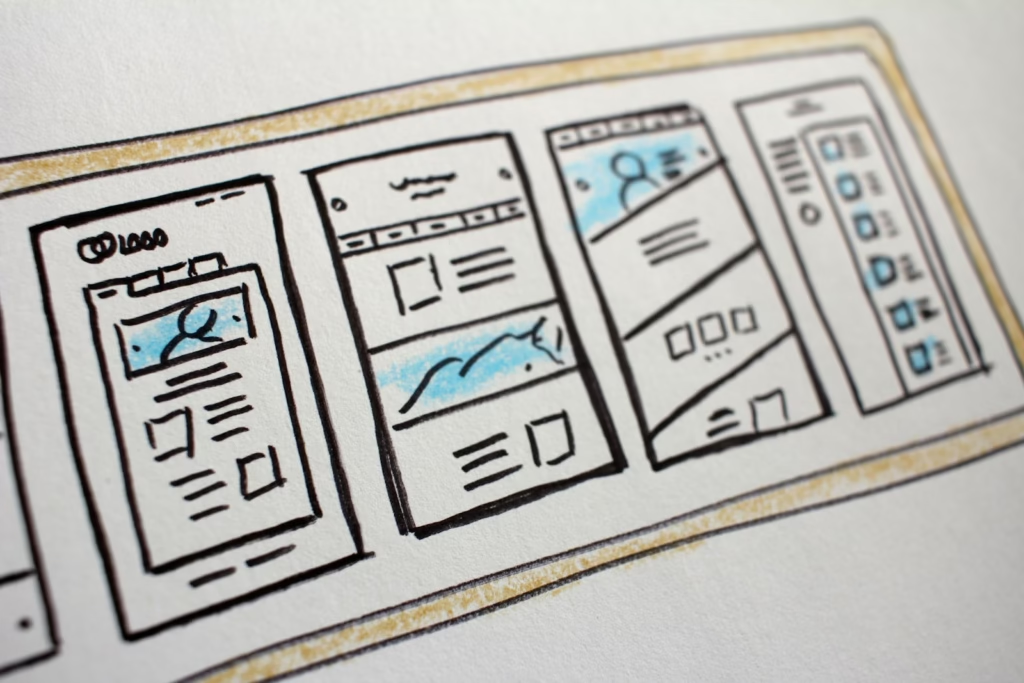
Learn how to make a Figma wireframe in 10 steps: frames, layout guides, auto layout, wireframe kits, plugins and prototypes. Start your first one today.

Figma auto layout turns a static frame into one that resizes and rearranges itself when its content changes, the way a real web page or app screen behaves. This guide is for designers and developers who want buttons, cards and navbars that stay tidy when text or screen width changes. You’ll get every setting explained, […]

We bring deep, functional expertise, but are known for our holistic perspective: we capture value across boundaries…

We bring deep, functional expertise, but are known for our holistic perspective: we capture value across boundaries…

Figma tables are built, not inserted: Figma Design has no table tool, so you make one from auto layout frames (a cell, then a column, then the table), turn the cell into a component when the table needs to be reused, or use the native tables in Figma Slides and FigJam. This guide walks through […]


Digital Marketing Solutions: Choosing the Right Mix for Your Budget