
UI/UX design keeps evolving, but the trends that stick are the ones that make products genuinely easier and more pleasant to use. Here is what is actually shaping good product design in 2026.
1. Bold, Simplified Typography
Large, confident headings paired with generous white space are replacing cluttered, decoration-heavy layouts. The goal is readability at a glance, especially on mobile.
2. Micro-Interactions With a Purpose
Small animations, like a button that responds instantly to a tap, help users understand that their action registered. Used well, they build trust; used excessively, they slow the interface down.
3. Accessibility as a Default, Not an Afterthought
Sufficient colour contrast, keyboard navigation, and screen-reader-friendly markup are now baseline expectations, not optional extras. Designing accessibly from the start is far cheaper than retrofitting it later.
4. Dark Mode as Standard, Not a Novelty
Users expect to be able to switch between light and dark themes. Designing both from the start avoids awkward retrofits and inconsistent contrast later.
5. Data-Informed Design Decisions
Heatmaps, session recordings, and A/B tests are replacing gut-feel design choices. The best-performing layouts are usually the ones tested against real user behaviour, not just what looks good in a mockup.
6. Modular, Component-Based Design Systems
Reusable components keep products visually consistent as they grow and make it much faster for teams to ship new screens without redesigning from scratch each time.
7. Voice and Conversational Interfaces
Chat-style interactions and voice input are becoming a normal part of product design, particularly for support and onboarding flows, not just standalone assistants.
8. AI Embedded in the Design Workflow, Not Bolted On
Over 93% of UX designers now use AI-enhanced tools somewhere in their process – generating layout variations, drafting wireframes, and running first-pass accessibility checks. The shift isn’t AI replacing designers, it’s AI taking over the exploration grunt work so more time goes to curation, system thinking, and actually judging whether a design works for real users.
9. Accessibility Is Becoming a Pipeline Requirement, Not a Design Choice
The gap is still large – only a small fraction of top websites meet full WCAG 2.1 AA compliance, and the large majority of home pages still ship with detectable accessibility failures. What’s changing in 2026 is where the fix lives: component libraries increasingly ship with built-in keyboard behaviour, focus states, and error-alert patterns baked in, so accessibility gets enforced at the design-system level instead of relying on each designer remembering every rule. The scope is also widening beyond visual impairment to designing for the full cognitive spectrum, including ADHD, dyslexia, and autism.
10. Calmer Interfaces, Less Visual Theatrics
After a few years of heavy motion and decorative flourishes, the pendulum is swinging back toward restraint – fewer gratuitous animations, more legible hierarchy, and interfaces designed to get out of the user’s way rather than perform for them. Transparency about where AI is involved in a product (rather than hiding it) is part of the same shift toward calmer, more trustworthy design.
11. Adaptive, Intent-Aware Interfaces
AI-driven personalisation is moving from a marketing feature to a UX baseline: interfaces that adjust to what a specific user is actually trying to do, rather than showing every user the identical static screen. Done well this reduces friction; done carelessly it makes a product feel inconsistent, so it needs the same design-system discipline as everything else on this list.
Frequently Asked Questions
Do I need to follow every trend?
No. Trends should serve your users, not the other way round. Adopt what genuinely improves usability for your specific audience.
How often should a product’s UI be redesigned?
Most products benefit from incremental updates every few months rather than a full redesign every year or two.
Is AI replacing UX designers?
No. Most designers now use AI tools for the exploration and drafting stage, but judging what actually works for real users still needs a human. AI speeds up production, it doesn’t replace design judgment.
Want a second opinion on your product’s design? Our UX/UI design service starts with a research-first audit, or get in touch to talk it through.
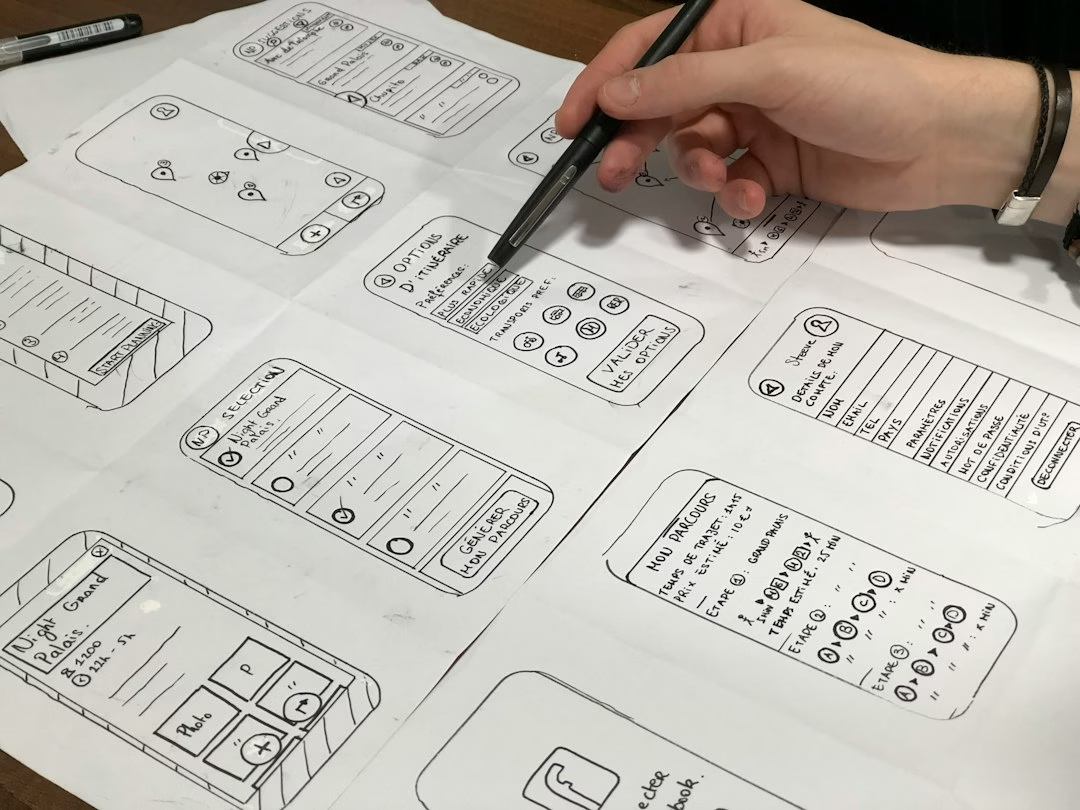
Featured image: Photo by Amélie Mourichon on Unsplash.